 14 July 2026
MacBook vs Surface Pro
Compare MacBook and Surface Pro performance, displays and flexibility to find the right refurbished device for the way you work.
Read Guide →

Date Posted: 2 July 2026
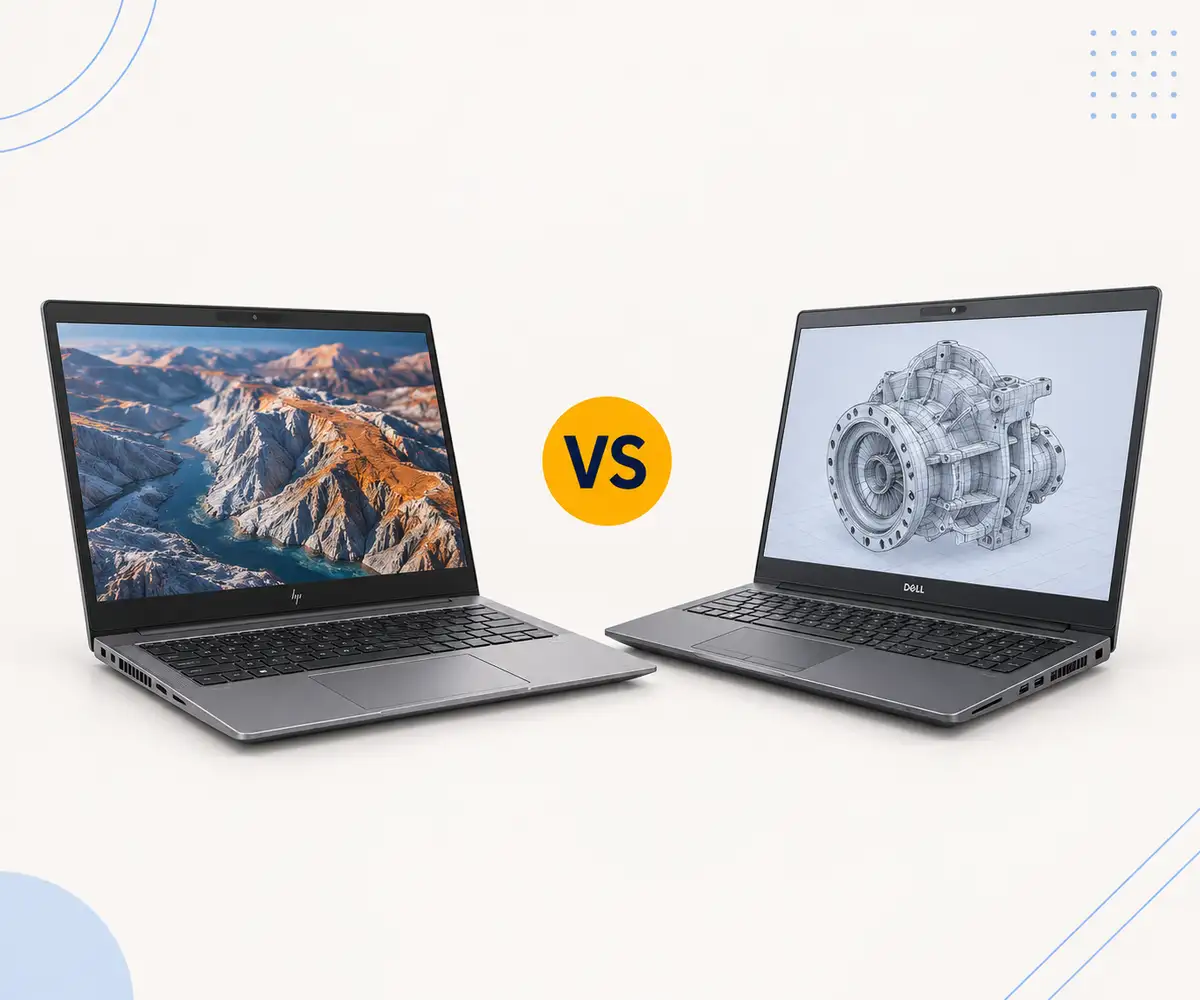
The HP ZBook and Dell Precision are the two workstation ranges most professionals end up comparing when they need a laptop that can handle serious compute work. Both offer ISV-certified graphics, Intel Xeon and Core processor options, ECC memory support, and build quality rated for years of daily corporate use. The right pick depends on what you're actually doing with the machine, and neither range wins across the board.
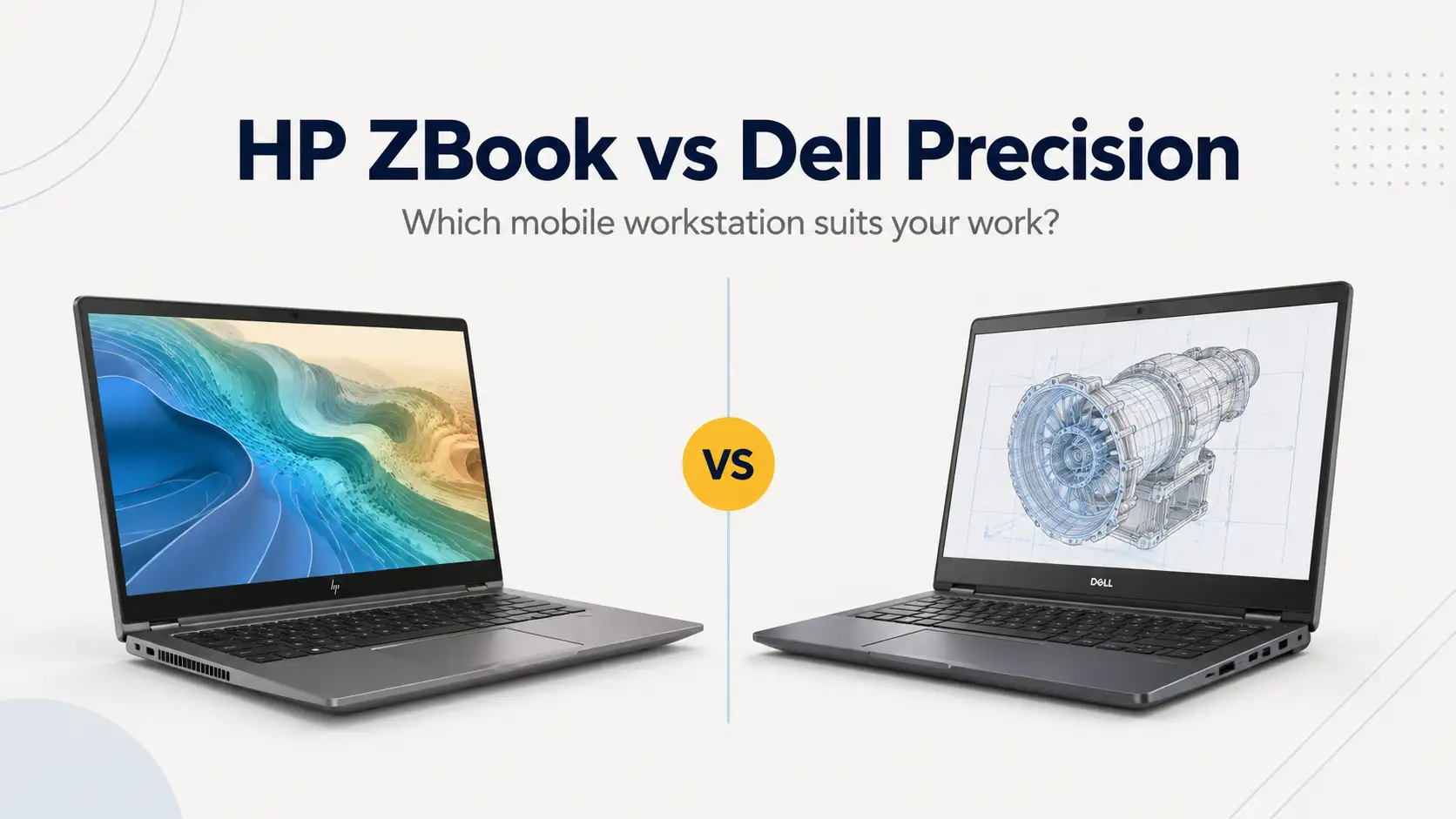
ZBooks tend to edge ahead on display technology and portability, particularly for creative professionals who need colour-accurate screens out of the box. Precisions have traditionally been the stronger choice for raw customisation and port selection, with more straightforward upgradeability as well. At the refurbished price points Australian Computer Traders sells these at (often 50 to 70% below original RRP), both ranges are priced well below new equivalents while delivering workstation-class hardware for anyone without the new-device price tag. Browse ACT's refurbished workstation laptops to see what's currently in stock.
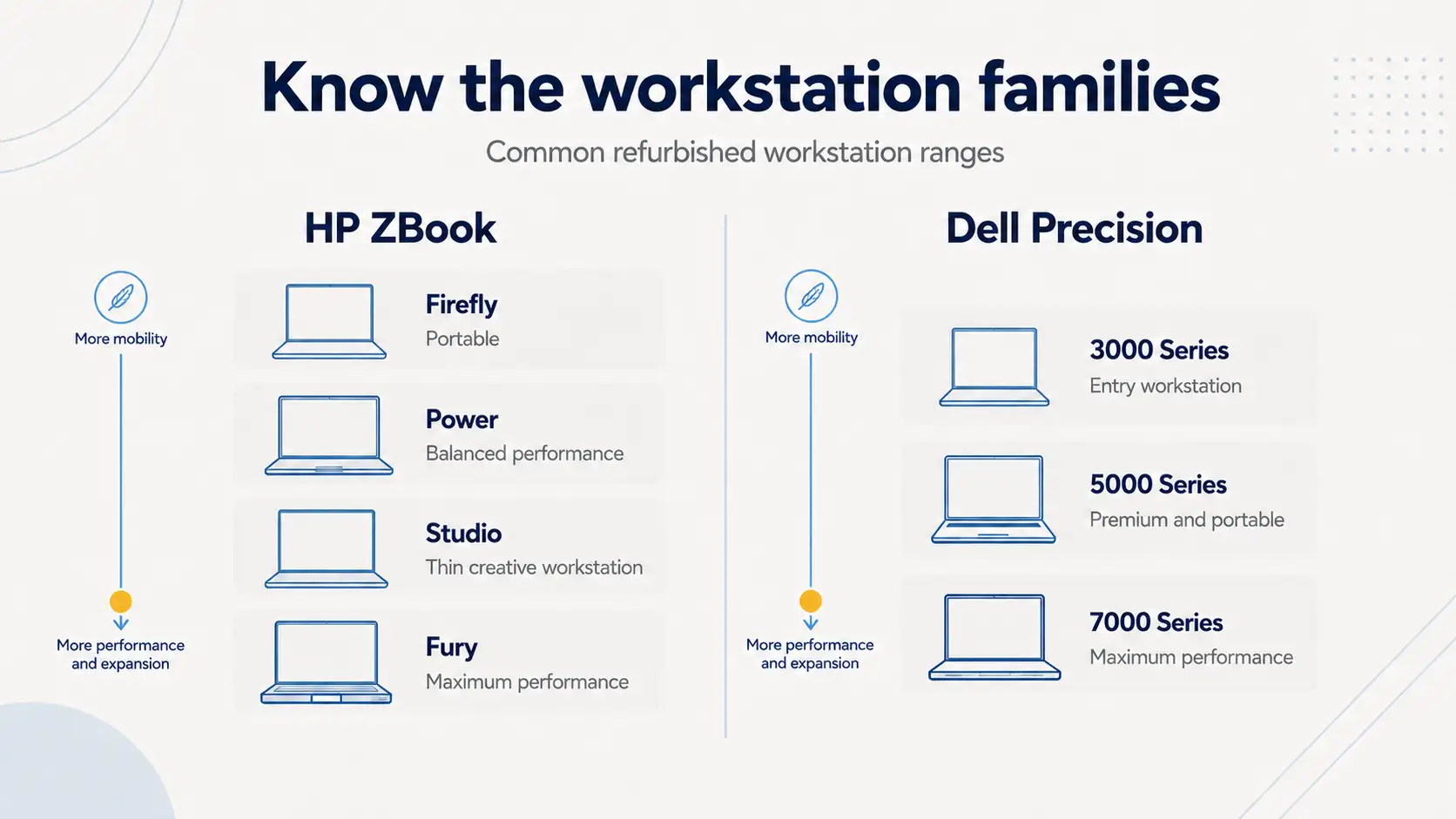
Both the ZBook and Precision lines span from entry-level (ZBook Firefly, Precision 3000 series) through to full desktop-replacement powerhouses (ZBook Fury, Precision 7000 series). The range is broad enough on both sides that you can find a near-equivalent model for almost any use case.
Where they diverge is in philosophy. HP has leaned into display technology and thermal engineering while pushing for slimmer form factors. The ZBook Studio line, for instance, prioritises a thin chassis and premium materials while still packing high-end Intel Core H-series processors and dedicated NVIDIA RTX graphics. Dell, on the other hand, tends to prioritise internal expandability and I/O breadth. The Precision 7680 and 7780, for example, come with a wider range of port configurations and are generally more straightforward to open up and modify. For a broader look at how these two brands compare across their full laptop ranges, see our Dell vs HP laptops comparison.
Pricing is comparable at the new-device level, with both ranges starting around $2,000 AUD for entry-level configs and climbing past $8,000 for top-end builds. At refurbished pricing, the gap narrows further, and the decision becomes almost entirely about which specs and design choices suit your specific workflow.
Both HP and Dell configure their workstations with Intel Core i5 and i7 processors from the H-series and HX-series lines, along with i9 and Intel Xeon options for users who need more cores or ECC memory support. More recent ZBook models have also introduced AMD Ryzen AI Pro processors, particularly in the ZBook Ultra line, which gives HP a slightly wider selection on the CPU front.
In practice, if you're comparing equivalent generations (say, a 12th or 13th Gen Intel Core i7 in both a ZBook Power and a Precision 5680), the raw benchmark numbers are going to be very close. The processor is the processor. What changes the real-world experience is how each machine manages that processor under load, and that comes down to thermal design. If you're trying to decide between an i7 and i9 for your workstation, our Intel Core i7 vs i9 comparison breaks down where the extra cores and threads actually matter.
Both ranges offer NVIDIA RTX professional graphics (the A-series and now RTX PRO Blackwell GPUs in the latest models) alongside some AMD Radeon Pro options. For CAD and 3D modelling work, as well as simulation, the ISV certification on these GPUs matters more than raw teraflops because it ensures driver-level optimisation for applications like SolidWorks, AutoCAD, CATIA, and Revit.
At the entry and mid-range tiers (NVIDIA RTX A500, A1000, T600, T1000), the GPU options between both ranges are nearly identical. It's only at the very top end where specific generation timings might mean one range gets a particular GPU a few weeks before the other. If you're unsure whether you need a dedicated professional GPU or whether integrated graphics will suffice, our guide on integrated vs dedicated graphics can help you decide.
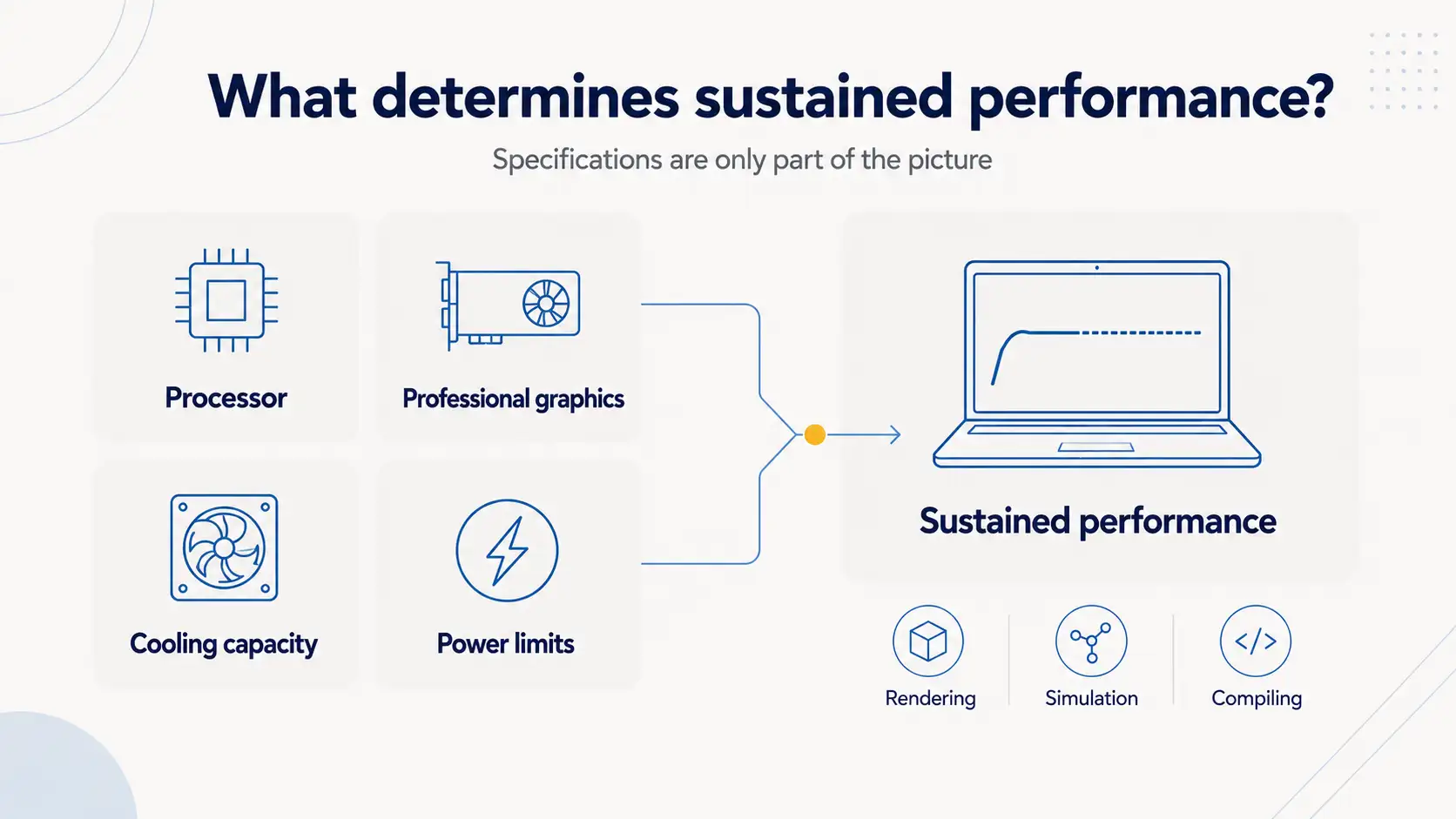
This is where the two ranges start to meaningfully differ. HP's higher-end ZBooks (Fury and Studio lines) use a proprietary vapour chamber cooling system called Z VaporForce. Instead of relying solely on heat pipes to move heat from the CPU and GPU to the heatsink, a vapour chamber spreads thermal load across a larger surface area. The result is more consistent clock speeds during sustained workloads like rendering and compiling, or long simulation runs that push all cores for hours.
Dell Precision workstations use a more conventional dual-fan, heat-pipe design in most configurations. The Precision 7000 series has improved its thermal management over recent generations, and Dell's Precision Optimizer software can tune performance profiles for specific ISV applications. But in independent tests, HP's ZBook Fury models have tended to sustain higher average clock speeds during extended stress tests, with lower external chassis temperatures (around 35°C surface temp under load compared to the low-to-mid 40s on some Precision models).
That said, Dell's thermal approach is perfectly adequate for the vast majority of workstation tasks. The difference only becomes noticeable during prolonged, all-core compute loads that run for hours at a time, like overnight renders or extended finite element analysis.
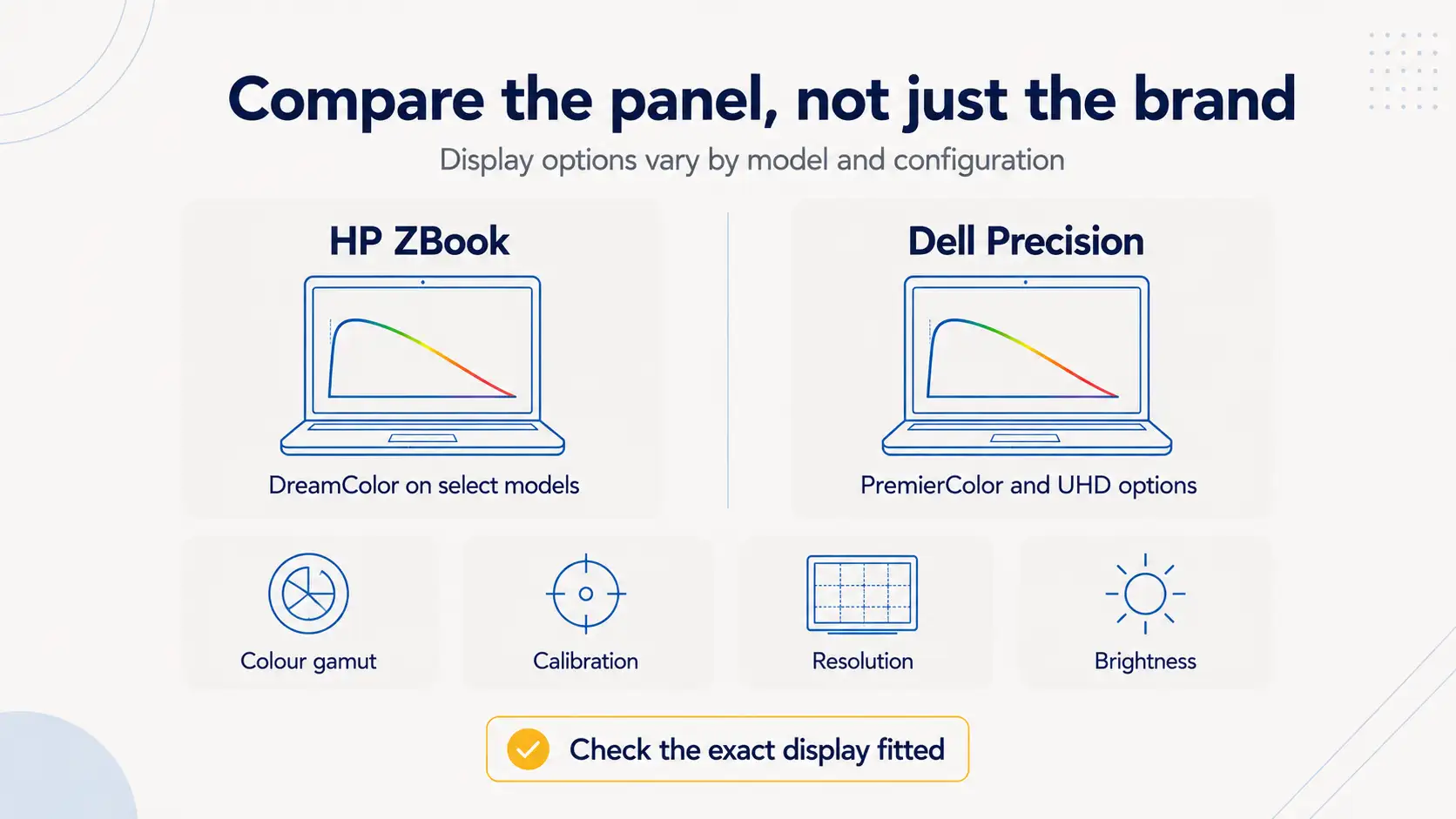
HP's DreamColor technology is the single biggest differentiator in this comparison for anyone doing colour-critical work. DreamColor panels are factory-calibrated and support multiple colour spaces (sRGB, Adobe RGB, DCI-P3, Rec. 709). They can also be recalibrated through HP's built-in software. The technology was originally developed in partnership with DreamWorks Animation, and it won a Scientific and Engineering Award from the Academy of Motion Picture Arts and Sciences in 2015. DreamColor displays on ZBook models typically deliver 10-bit colour depth (over a billion colours versus the 16.7 million of a standard 8-bit panel), which eliminates banding in smooth gradients.
Dell offers competitive display options on its Precision range, including 4K UHD panels and PremierColor configurations that cover 100% of the Adobe RGB gamut. These are good displays. But Dell doesn't have an equivalent to DreamColor's integrated calibration workflow, where you can switch between colour space presets with a click and schedule automatic recalibration. If your work involves colour grading or print-ready design, where colour consistency across devices matters, the DreamColor option is hard to beat.
For general use (code, spreadsheets, documentation, web browsing), both ranges offer Full HD and QHD IPS panels with adequate brightness and viewing angles.
ZBook displays tend to push higher on brightness. The DreamColor panel in the ZBook 15 G5, for instance, measured close to 600 nits with a contrast ratio above 1500:1 in independent testing. Equivalent Precision displays typically sit around 400 to 500 nits. Both are more than adequate for indoor office work, but the extra brightness on the ZBook panels is noticeable if you work near windows or in brightly lit environments.
Resolution options are comparable across both lines. Entry-level configs in both ranges default to Full HD (1920 x 1080), while mid-range and high-end models offer QHD+ (2560 x 1600) and 4K UHD (3840 x 2400) options. Pixel density on a 15.6-inch Full HD panel sits at about 142 PPI, which is fine for most work but noticeably softer than a QHD or 4K option if you're doing detailed design or photo work.
HP's ZBook line favours aluminium chassis construction across most of its range. The ZBook Power G8 and its successors use an aluminium body that feels solid in the hand and resists flex well. The ZBook Studio goes further with a machined aluminium unibody design that prioritises slim aesthetics alongside durability.
Dell Precision models use a mix of materials depending on the tier. The Precision 5000 series has carbon fibre palm rests and aluminium lids, with an InfinityEdge display design that keeps the footprint compact. The Precision 7000 series uses anodised aluminium for the chassis. Both ranges feel well-built, though HP's aluminium construction tends to feel slightly more premium to the touch, particularly on the ZBook Studio and Fury lines.
For refurbished buyers, build quality at the time of manufacture is directly relevant to how well the device has aged. Business-grade workstations from both ranges are designed for daily corporate use over four to five years, which is why they hold up far better than consumer laptops of the same age. A three-year-old ZBook Fury or Precision 7680 in Grade A condition will typically show minimal cosmetic wear because the materials were chosen to withstand exactly that kind of use.
Both HP and Dell put their workstation ranges through MIL-STD-810G (and more recently, MIL-STD-810H) testing. This is a U.S. military standard that covers a battery of environmental tests: extreme temperatures (from -29°C to 60°C), humidity, vibration, dust, altitude up to 15,000 feet, and mechanical shock. Passing these tests doesn't mean the laptop is indestructible, but it does mean the device has been validated against conditions well beyond what a typical office or job site would throw at it.
HP tests its ZBook range across these categories and publishes detailed whitepapers on the results. Dell does the same for its Precision and Latitude lines. In terms of long-term field reliability, opinions vary. Some IT professionals report slightly fewer hardware issues with HP ZBooks over multi-year deployments, while others find Dell's Precision line equally durable.
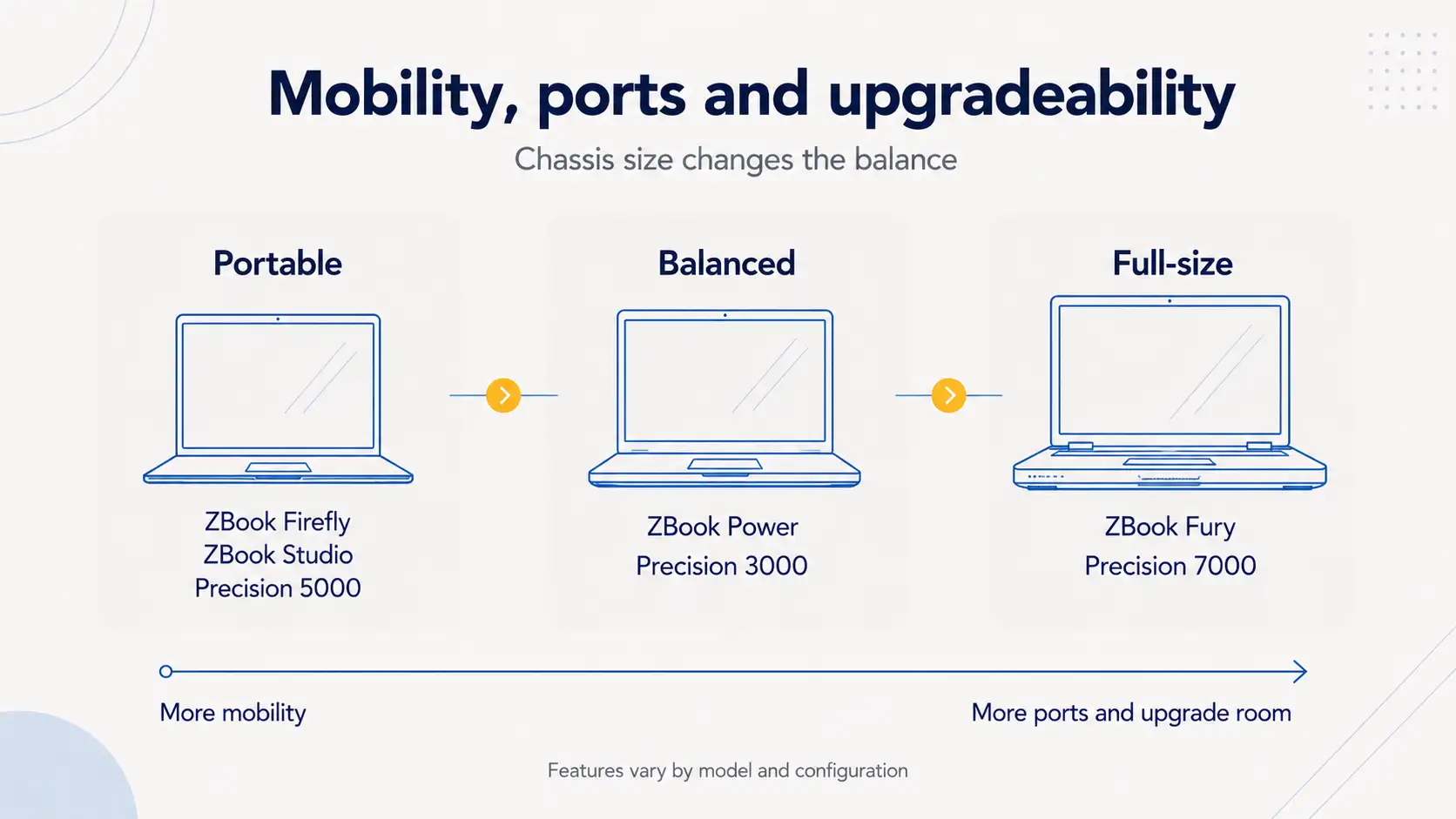
The ZBook line has a clear advantage here if weight matters to your workflow. HP has invested heavily in making thinner, lighter workstations without sacrificing too much performance. The ZBook Studio G10, for example, packs a high-performance Intel Core HX processor and dedicated NVIDIA RTX graphics into a chassis that weighs around 1.73 kg. The ZBook Firefly is even lighter at roughly 1.4 kg, though with lower-power components.
Dell's Precision range tends to run heavier. A Precision 5690 or 7680 typically weighs between 2.1 and 2.8 kg depending on configuration and screen size. That's still manageable for occasional travel, but you'll feel the difference carrying it through an airport compared to a ZBook Studio. If portability is your top priority, ACT also stocks a broader range of lightweight laptops across multiple brands.
Battery life is harder to generalise because it depends heavily on display resolution, GPU usage, and workload. Both ranges offer battery capacities between 64Wh and 93Wh in their larger models. Under light usage (web browsing, document editing), expect six to eight hours from most configurations. Under sustained GPU or CPU load, that drops to two to four hours regardless of brand. HP's Smart Sense feature, which adjusts thermal and power profiles based on whether the laptop is on a desk or in your lap, can squeeze out slightly longer battery life in mixed-use scenarios.
A typical Precision 7680 configuration includes more ports than most ZBook equivalents without needing adapters. You get USB-C with Thunderbolt 4, USB-A 3.2 ports, HDMI, an SD card reader, a SmartCard reader, and an RJ-45 Ethernet port. Some models also include a MicroSD card reader. The Precision 5000 series adds Thunderbolt 4 with power delivery and DisplayPort alt-mode.
HP ZBook models have improved their port selection over recent generations, but the ZBook Studio and Firefly lines can feel more limited due to their thinner chassis. A ZBook Power G8 or G9 typically offers Thunderbolt 4, USB-A, HDMI, an RJ-45 connector, and a 3.5mm audio jack, with an optional SmartCard reader. The ZBook Fury matches the Precision 7000 series more closely on port count, including a three-button touchpad designed for 3D applications.
If you regularly connect external monitors or use an SD card reader for camera imports, check the specific model's port layout before buying.
Refurbished buyers who plan to add RAM or swap an SSD later should pay attention to how each chassis is designed.
Dell Precision workstations, especially in the 5000 and 7000 series, are designed with serviceability in mind. The Precision 7680 includes a dedicated service cover that gives you quick access to one of the M.2 PCIe x4 SSD slots without even removing the full bottom panel. For full access, you remove six Phillips-head screws and lift the base cover to reach both M.2 slots (both supporting Gen 4 SSDs and RAID configuration), the memory, the battery, and the wireless card. Dell's older Precision 7000 models use standard SODIMM slots, making RAM swaps straightforward. Newer models (7680 onward) have introduced CAMM memory modules, which are more compact but slightly more involved to replace.
HP ZBook models vary by line. The ZBook Power G8, for instance, uses just five Phillips-head screws (three captive) to remove the bottom panel, which is quicker than the Dell equivalent. Inside, you get two SODIMM slots (up to 64GB DDR4 or DDR5 depending on generation) and two M.2 SSD slots. The ZBook Fury models, being larger, offer four SODIMM slots and can support up to 128GB of DDR5 memory. If you're weighing up how much RAM you actually need for your workload, our 16GB vs 32GB RAM guide covers the practical differences.
However, some ZBook models require more disassembly to reach all memory slots. On the ZBook 15 G5, for example, two RAM slots sit under the keyboard deck, which means partial disassembly of the keyboard and top cover to access them. Dell's approach is generally more straightforward for the average user who wants to do a quick RAM or SSD swap without a full teardown.
For refurbished workstation buyers, this matters. If you're buying a ZBook or Precision from ACT with 16GB of RAM and plan to upgrade to 32GB or 64GB later, knowing how accessible the memory slots are can save you time and hassle. ACT also sells RAM and SSD upgrades at the point of purchase, so you can have the upgrade done before the device ships.
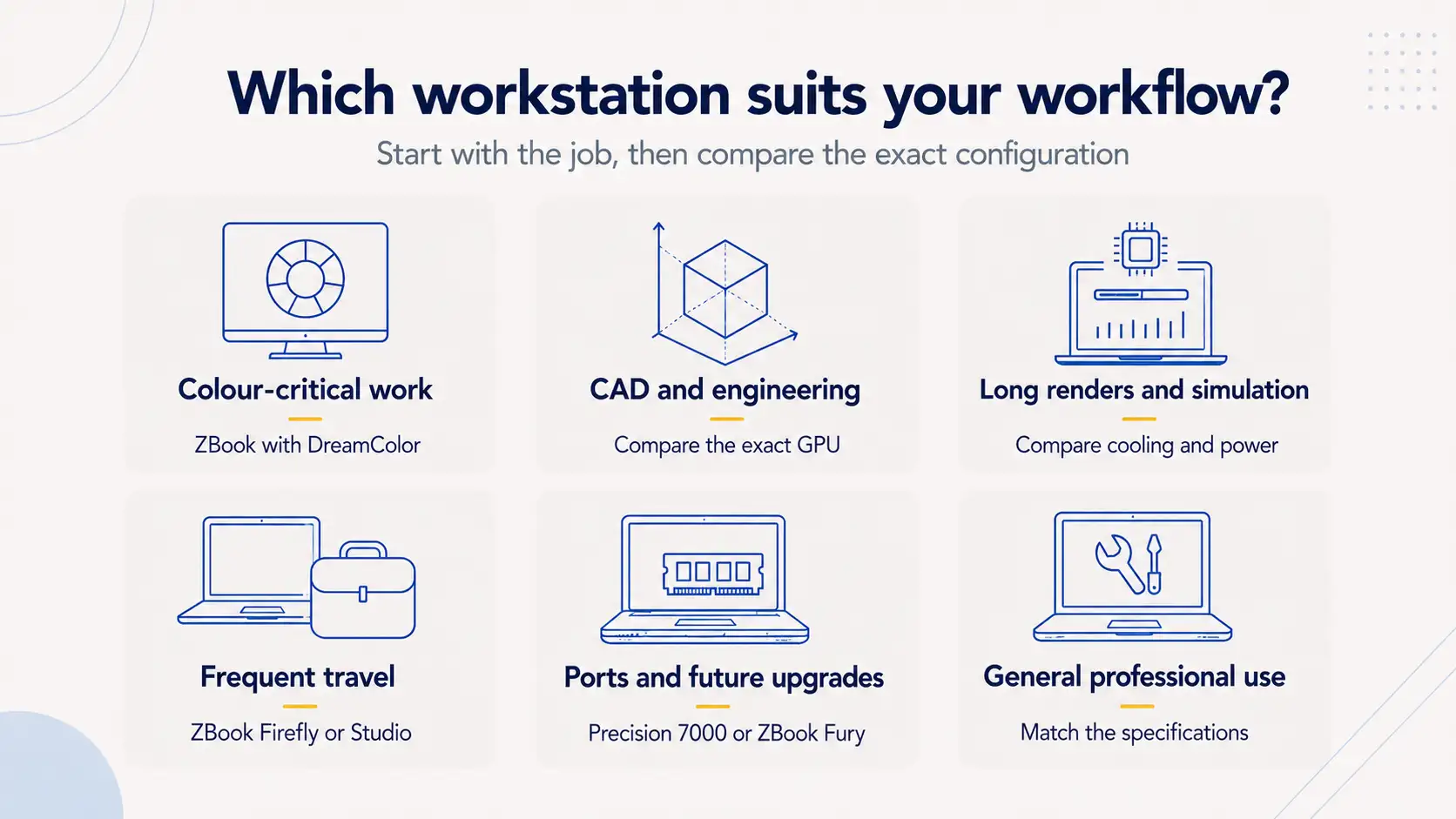
The HP ZBook with a DreamColor display is the stronger recommendation here. DreamColor's factory calibration and support for multiple colour spaces (Adobe RGB, DCI-P3, sRGB, Rec. 709), combined with 10-bit panel depth, give it a genuine technical edge over Dell's display options for colour-critical work. If you're a graphic designer, photographer, video colourist, or print production professional, the DreamColor option removes a variable from your workflow: you can trust what you see on screen without relying on an external monitor or third-party calibration hardware.
That doesn't mean a Dell Precision can't do design work. With an external DreamColor or Eizo monitor connected, a Precision workstation performs identically. But if the built-in display is your primary working screen (as it is for most mobile professionals), the ZBook has the edge. Browse ACT's current range of refurbished HP ZBooks to see which DreamColor-equipped models are available.
For sustained rendering in applications like Blender and Cinema 4D, the thermal design matters as much as the raw specs. HP's ZBook Fury with Z VaporForce cooling tends to sustain higher clock speeds during multi-hour renders, which can translate to measurably shorter render times over a full production day.
Dell Precision 7000 series models are still strong performers here, particularly when configured with Intel Xeon processors and high-end NVIDIA RTX GPUs. If your workload is GPU-bound rather than CPU-bound (which is increasingly the case with modern GPU rendering engines), the performance difference between the two ranges narrows. Both can be configured with identical GPU options from NVIDIA's professional lineup.
If you're weighing up a refurbished ZBook Fury G7 against a refurbished Precision 7550 or 7560, both with similar specs, the ZBook will likely sustain slightly higher performance under prolonged stress. But the Precision gives you broader connectivity and easier upgradeability if you plan to expand memory or storage later. You can compare what's currently available in ACT's refurbished Dell Precision range.
If you're on the road regularly and need to carry your workstation between airports and client offices, the HP ZBook Studio or ZBook Firefly is the lighter, more portable option. At 1.4 to 1.7 kg, these models are closer to ultrabook territory while still offering workstation-class internals. The ZBook Studio in particular manages to pair Intel Core HX processors with dedicated NVIDIA RTX graphics in a chassis that doesn't punish your shoulder.
Dell's closest equivalent is the Precision 5000 series, which uses a compact InfinityEdge design and carbon fibre palm rest to keep weight manageable. It's still heavier than a ZBook Studio (closer to 2 kg), but lighter than the full-size Precision 7000 range.
For remote workers or consultants who spend more time at a desk and only travel occasionally, the weight difference is less important and the Precision's wider port selection becomes more appealing. If you're not sure whether you need a workstation or a standard business-grade laptop, our Dell Latitude vs Precision comparison explains where the line sits.
A new HP ZBook Fury or Dell Precision 7000 series workstation with a high-end configuration (Intel Core i9 or Xeon processor, 32GB+ RAM, NVIDIA RTX A3000 or above, 4K display) will cost you anywhere from $5,000 to $10,000 AUD. That's a lot of money, and for most workflows, it's more than you need to spend.
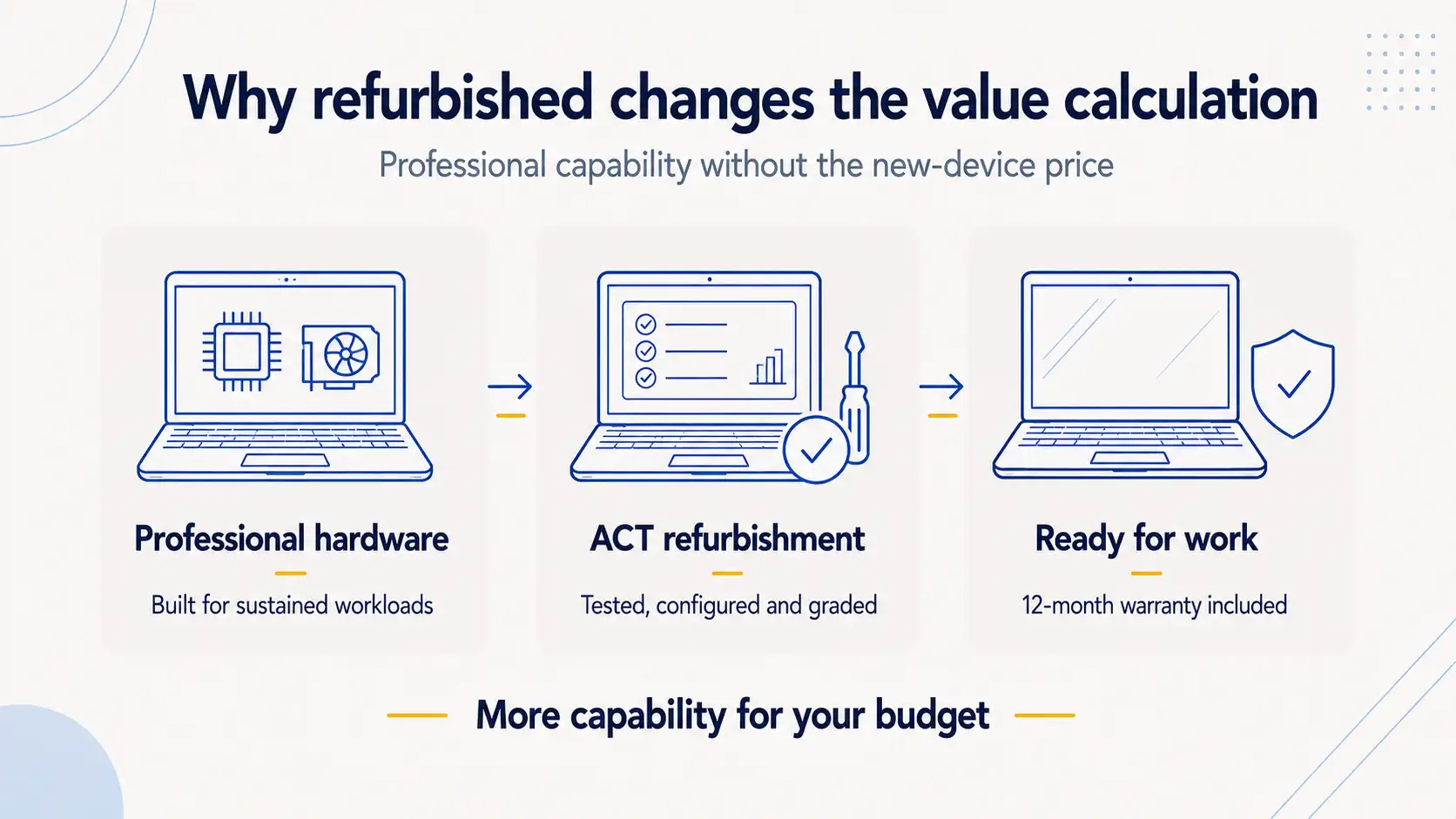
The performance gap between current-generation workstations and models from two to four years ago is smaller than most people assume. A 12th or 13th Gen Intel Core i7, paired with an NVIDIA RTX A2000 and 32GB of RAM, handles CAD, video editing, photo work, and even moderate 3D rendering without breaking a sweat. These are the kinds of configurations ACT regularly stocks as refurbished units, at prices that start from a fraction of the original RRP. For a detailed breakdown of how refurbished stacks up against buying new, our refurbished vs new laptops guide covers the key differences.
There's a compounding value argument for workstations specifically. These machines were designed for corporate environments where they ran eight to ten hours a day for three to four years. The components (processors, memory, storage) are enterprise-grade and rated for sustained loads that would burn out a consumer laptop in half the time. When ACT refurbishes these devices, they go through a full QA process: hardware testing, component replacement where needed, fresh operating system installation, and cosmetic grading. A Grade A refurbished ZBook or Precision looks and performs close to new. A Value+ (B Grade) unit might have a minor scuff on the lid but runs identically.
The financial logic is straightforward. If a new Precision 7680 with an i7-13850HX, 32GB RAM, and RTX A2000 retails for $6,500, and ACT sells the same machine refurbished for $2,500 to $3,000, you're getting 90% of the performance for 40% of the cost. That leftover budget can go toward a RAM upgrade or an extended warranty (ACT offers up to two years).
For businesses buying multiple units, the savings scale even further. A fleet of ten refurbished workstations instead of new ones could save tens of thousands of dollars without meaningfully impacting productivity. ACT handles bulk and wholesale orders and can customise configurations to match your requirements.
And there's the environmental angle. Every refurbished workstation ACT sells is one less device going to landfill. With over five million devices refurbished since 1993, that's a meaningful contribution to reducing e-waste, not a marketing slogan.
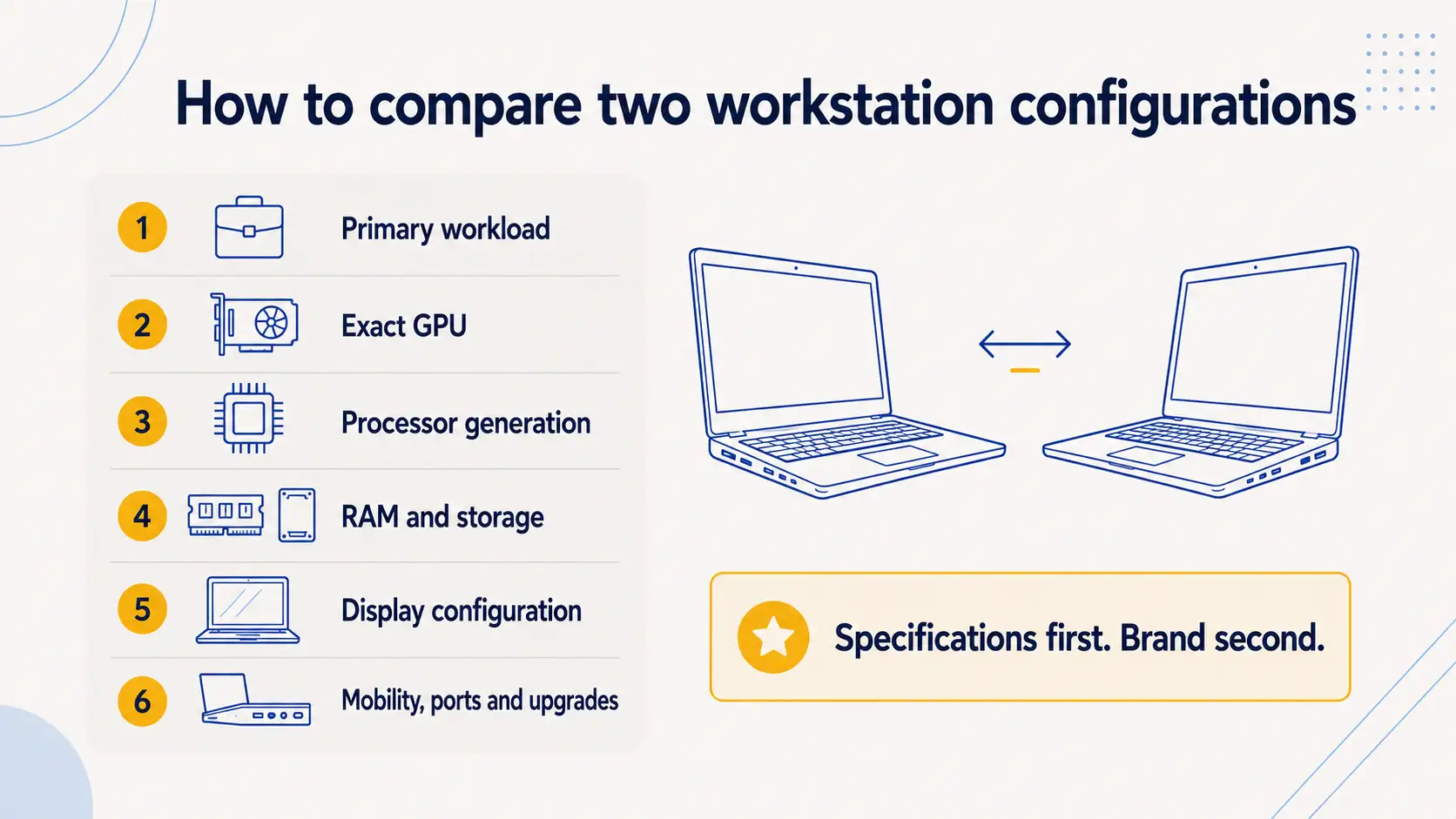
Start with your primary use case. If your work is colour-critical (design, photography, video colour grading, prepress), lean toward a ZBook with a DreamColor display. If your work is compute-heavy and you value easy internal access for upgrades, lean toward a Dell Precision 5000 or 7000 series.
If portability matters, the ZBook Studio and Firefly lines weigh less and pack smaller than any Precision equivalent. If port coverage matters and you don't want to carry dongles, the Precision 7000 series gives you more built-in connectivity.
For most general professional use (engineering, architecture, data analysis, software development, video editing), either range will handle your workload without issues. At refurbished prices, you can often afford to move up a tier in specs compared to what your budget would buy new. A refurbished ZBook Fury with 32GB of RAM and a 512GB SSD might cost the same as a new entry-level consumer laptop with half the processing power. Our refurbished laptop buying guide walks through how to evaluate specs, condition grades, and value across the full range of refurbished options.
Check what's available at ACT in your preferred spec range, and if you're unsure which model suits your needs, the team at the East Brisbane store or on 1300 727 516 can walk you through the options. With a 12-month warranty and 30-day change-of-mind returns, plus free shipping across Australia, there's no risk in trying.
Both ranges are MIL-STD-810G tested and built for sustained daily use in corporate environments. Reliability is comparable across the two lines, and failure rates at the workstation tier are low for both brands. Some IT administrators report a slight edge for HP's ZBook chassis durability over long deployments, but the margin is narrow enough that it shouldn't be your deciding factor.
You can, and both will handle most games reasonably well thanks to their dedicated NVIDIA GPUs. But workstation GPUs (Quadro and the RTX A-series, plus the newer RTX PRO) are optimised for professional applications rather than gaming, so you won't get the same frame rates as a dedicated gaming laptop with an equivalent-tier GeForce GPU. For casual gaming after work hours, they're fine. For competitive gaming or running demanding titles at max settings, a gaming laptop is a better fit.
Both offer enterprise-grade security features including TPM 2.0, fingerprint readers, SmartCard reader options, and self-encrypting drive support. HP's ZBook range adds HP Sure Start (a self-healing BIOS) and HP Sure Sense (AI-based malware detection), with HP Sure View (an optional integrated privacy screen) available on select models. Dell's Precision range includes Dell SafeGuard and Dell Optimizer security features. HP has a slight edge on built-in hardware security, particularly with the Sure Start BIOS-level protection, but both ranges meet enterprise security requirements.
At Australian Computer Traders, every refurbished workstation comes with a 12-month warranty as standard. On eligible products, you can extend this to two years. ACT also includes 30-day change-of-mind returns, so if the device doesn't suit your workflow, you can send it back. All refurbished workstations go through ACT's full testing and QA process before they ship.
For the best balance of performance and value in 2026, look for 12th Gen (Alder Lake) or 13th Gen (Raptor Lake) Intel Core processors. These generations brought the hybrid performance/efficiency core architecture to workstations, and the performance uplift from 11th to 12th Gen was one of the largest generational jumps Intel has delivered in recent years. A 12th Gen Core i7-12800H or 13th Gen i7-13700H paired with 32GB of DDR5 RAM and an NVIDIA RTX A2000 or higher will handle the vast majority of professional workloads without bottlenecking.
10th and 11th Gen models are still capable machines for lighter workloads like web browsing, document editing, project management, and even moderate photo editing. They're also the most affordable tier in refurbished pricing, which makes them a smart pick for businesses outfitting admin staff or students who need a reliable device without paying for compute power they won't use. Our business laptop buying guide can help you match the right spec tier to different roles in your team.
Avoid going older than 10th Gen unless your budget is very tight, as the performance gap becomes more noticeable and driver support for newer software may start to taper off. Check ACT's current stock to see which generations are available across both the ZBook and Precision ranges.
14 July 2026
 2 July 2026
 29 June 2026
 4 June 2026
 30 March 2026
 19 February 2026
 2 February 2026
 6 January 2026
 29 December 2025

Thoroughly tested by qualified technicians

Most orders delivered within 3-7 business days

Our local team are here to help you

On all products except those sold AS-IS
We're here to help! Click here to contact Customer Service


 Help Centre
 Contact Us