 14 July 2026
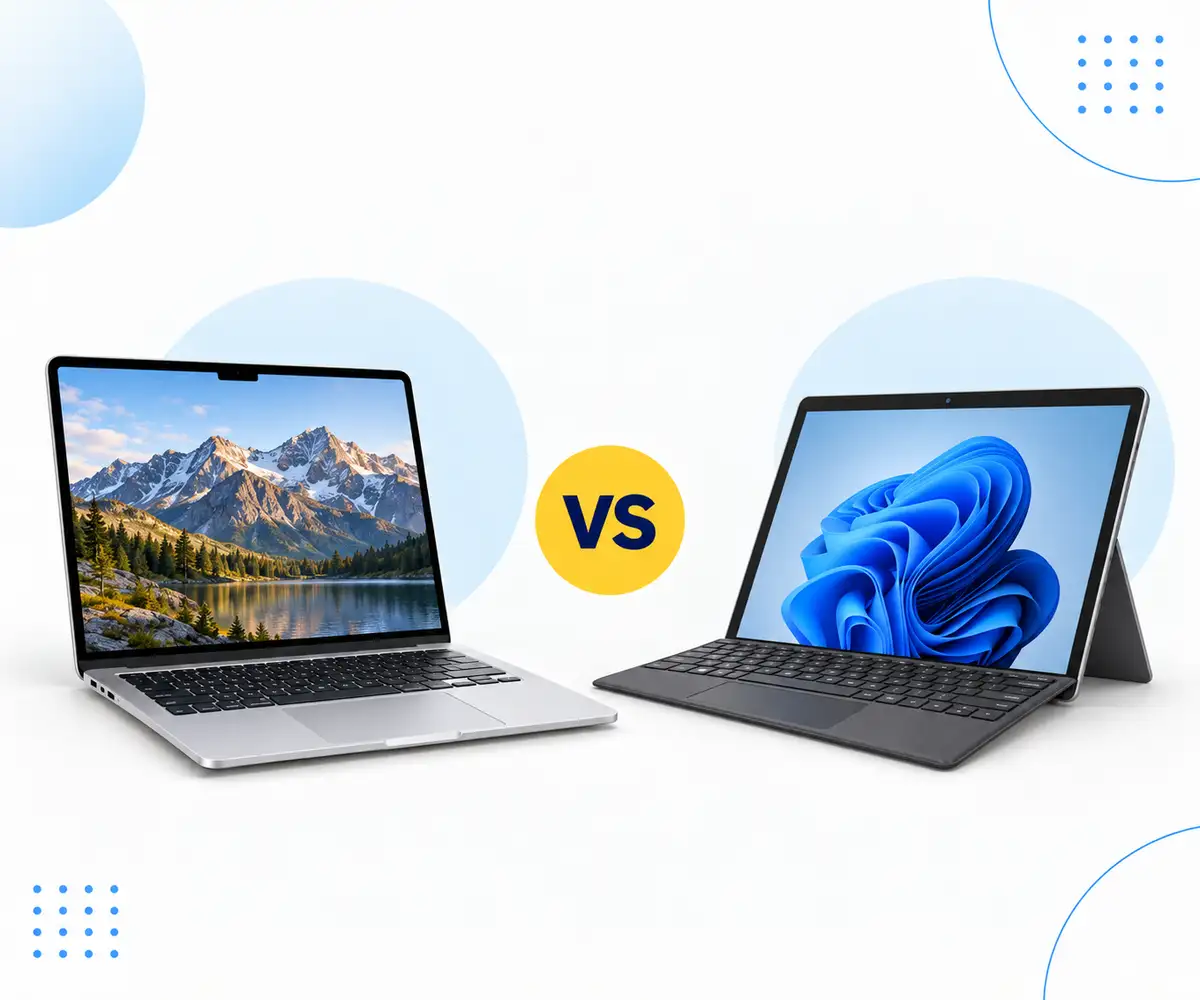
MacBook vs Surface Pro
Compare MacBook and Surface Pro performance, displays and flexibility to find the right refurbished device for the way you work.
Read Guide →

Date Posted: 30 April 2024
.jpg)
In today's digital age, a reliable laptop is as essential to a student's toolkit as textbooks and notebooks were in the past. Whether you're attending lectures, researching, collaborating on projects, or managing your academic life, having the right laptop can massively impact your educational success.
But, with so many different laptop models to choose from, finding the best laptop for students can feel like a really daunting task. To make things easier, we've put together this guide on what to look for when choosing a laptop for students. From the processing power to battery life and everything in between, we'll explain what to keep in mind in a clear, jargon-free way.
.jpg)
You might be wondering what makes student laptops different from basic consumer laptops. The answer is pretty straightforward - student laptops contain features that are specifically designed to meet the academic needs of students across various educational levels.
For example, a high school student will find that the features offered by a student laptop are ideal for completing assignments or conducting research, while a university student may find that a student laptop with a powerful processor is ideal for handling more intensive tasks, such as coding or data analysis.
There are also a ton of other features that a student laptop offers that make them excellent tools for a range of educational purposes. These include note-taking during lectures, using software pertinent to specific areas of study, or video editing.
.jpg) There are many things you need to consider when buying a student laptop, but if you're in a rush and need to sort yourself out with a decent laptop for your studies as soon as possible, there are three main things you should focus on.
There are many things you need to consider when buying a student laptop, but if you're in a rush and need to sort yourself out with a decent laptop for your studies as soon as possible, there are three main things you should focus on.
When you're comparing student laptops, it's important to make sure that the performance capabilities align with your academic needs. Look for a processor that offers a balance between power and efficiency, as this will ensure smooth multitasking and swift responsiveness.
Adequate RAM is also essential for running multiple applications at once without slowing things down or causing glitches, and you should also make sure that the laptop has enough storage capacity to accommodate your educational materials, software, and multimedia files.
You'll also need to think about the overall design and construction of your potential student laptop. For example, is it lightweight and portable enough to easily carry between classes and study sessions without causing you any strain?
The weight of your laptop is just one element here, though. It also needs to be made from durable materials that can withstand everyday wear and tear, occasional bumps, and accidental drops. Likewise, features such as spill-resistant keyboards, reinforced hinges, and shock-absorbent casings will ensure your laptop can handle whatever your academic life throws at it.
It's also best to choose a student laptop with a high-resolution display that can deliver vibrant colours and wide viewing angles, especially if your studies involve multimedia consumption or detailed content creation.
For tasks like this, you should also choose a laptop with a dedicated graphics card, as this will ensure smooth rendering and deliver the best possible performance.
.jpg)
One of the most important things you need to consider when you're looking at a laptop for students is the processor and the RAM, as this will ultimately determine your laptop's performance power, ensuring you have smooth operation at all times.
The processing power you need will ultimately depend on your studies and the materials and software you need to conduct them. For most students, especially those studying business, humanities, or social sciences, a mid-range processor like the Intel Core i5 or Ryzen 5 would be enough to match your needs.
These processors will also offer you a good blend of power and battery life, making it possible to handle all of your tasks, including web browsing and multimedia consumption, with ease.
However, if your studies involve more demanding applications such as programming, video editing, or data analysis, it would be better to choose a student laptop with a higher-end processor, like the Intel Core i7 or Ryzen 7. These will have higher clock counts that offer faster processing speeds, which also makes them good for students working in specialised fields, such as engineering and computer science.
Your laptop's Random Access Memory (RAM) also plays an extremely important role in efficient multitasking and smooth performance. Most students will find that a laptop with 8GB of RAM is sufficient, as this will make it possible to seamlessly switch between applications without experiencing any slowdowns or performance bottlenecks.
For more demanding tasks, however, it would be a good idea to choose a laptop that has between 16GB and 32GB of RAM. This additional memory provides headroom for handling resource-intensive applications and large datasets, reducing the risk of experiencing memory-related issues in the process.
.jpg)
It's also important that you understand your graphics card options when choosing a laptop for students, as, with all other aspects of the laptop, the type you need will depend on your studies and usage. You'll find two options when looking at graphics cards, and we'll explore this in more detail below.
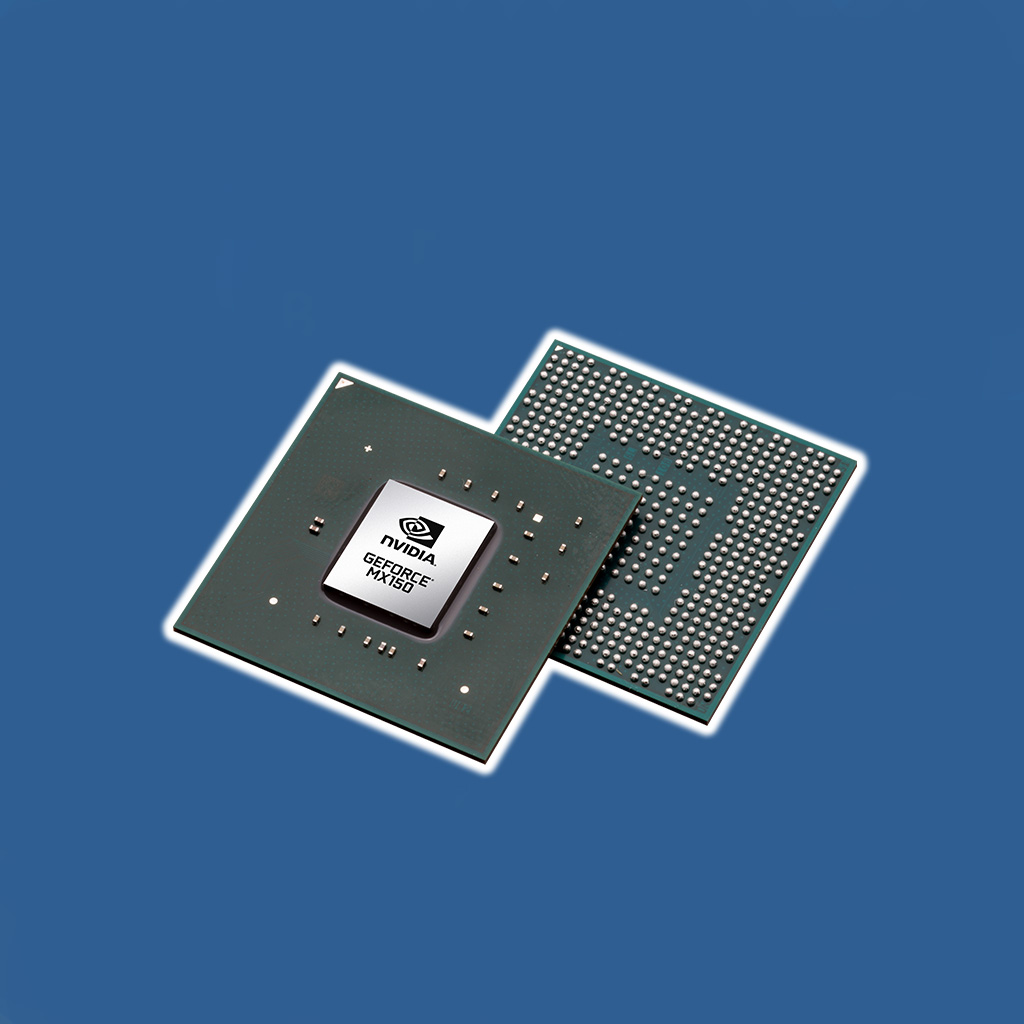
Integrated graphics are built directly into the laptop's Central Processing Unit (CPU), and this means it shares system memory for graphical processing tasks. These GPUs are good for basic computing needs and are also energy efficient, which contributes to a longer battery life.
For most student tasks, such as conducting online research, writing papers, and attending online lectures, integrated graphics are sufficient and will also keep your overall costs down as they are cheaper than a dedicated GPU.
Dedicated graphics cards (also sometimes referred to as "discrete GPUs", have their own dedicated memory and processing units that are separate from the CPU. This means that they're able to offer a significantly higher performance and are capable of handling more demanding graphical tasks, such as graphic design and running CAD software.
A laptop with a dedicated GPU would be a good choice for students studying architecture, engineering, or media production, as they'll give you the power needed to run specialised software and handle complex visual tasks efficiently.
.jpg)
As well as the processor and graphics card your student laptop contains, it's also important to think about how much storage capacity it has. This can be broken down into the two categories below, and each has its own benefits for different storage needs.
A minimum of 256GB of storage is recommended for most students, as this will provide the space you need to store documents, presentations, lecture notes, and essential software applications without running out of storage too quickly. This amount of storage also provides space for non-study-related things, such as music, videos, and photos.
However, if your studies involve working with large files or multimedia projects, it would be best to choose a laptop with a higher storage capacity, such as 512GB or 1TB. This extra space means that you're unlikely to run out of storage space fast, and you won't have to worry about constantly managing and deleting files to free up space.
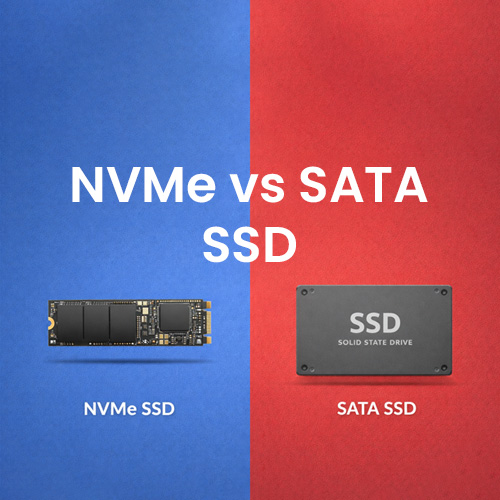
When it comes to storage solutions in student laptops, you'll have two primary options: Solid State Drives (SSDs) and Hard Disk Drives (HDDs), and each is better for different needs.
Solid State Drives (SSDs) store data by using flash memory, and this means that they offer faster read/write speeds, faster boot times, and improved overall performance when compared to HDDs. They're also more durable since they have no moving or external components to worry about.
Hard Disk Drives (HDDs), on the other hand, offer higher storage capacities and are usually cheaper per gigabyte. This reduced price does come at another cost, though, and HDDs offer a slower performance and are more prone to failure because of their mechanical components.
Put simply, HDDs may be better suited to budget-conscious students or those who need a large amount of storage. SSDs are better for students reliant on speed and overall performance.
.jpg)
Another important aspect to consider when buying a laptop for students is the display. You need to find a balance between portability and visual clarity when doing this, and the screen size and resolution are the best places to focus on.
When it comes to screen size, think about how you're going to be using the laptop. For moving from classroom to classroom, a smaller screen size of around 13 to 14 inches is best, as this means your laptop will be small enough to slide into a bag and light enough to carry comfortably with you all day long.
However, for tasks that require more screen real estate, such as graphic design, coding, or editing multimedia, it would be better to choose a laptop with a larger screen of around 17 inches. This will allow you to keep multiple windows open and is ideal for productivity tasks.
The resolution your laptop's display has will ultimately determine the clarity and sharpness of the content displayed on the screen. For student laptops, a minimum resolution of 1920x1080 (Full HD) is recommended, as this will ensure you get crisp text and detailed graphics.
There are laptops for students that have even higher resolutions, such as 2560x1440 (QHD), but while these provide super-sharp graphics, they can drastically reduce your battery life, which isn't ideal if you're moving between classes all day.
.jpg)
You'll also need to find a laptop with an operating system that does everything you need, is compatible with your course's requirements and software tools, and that also feels easy and comfortable to navigate. There are three main options here, and each has its own set of advantages, which we'll discuss below.
Windows is one of the most popular operating systems as it is hugely versatile and is compatible with a wide range of software applications and hardware devices. It also offers a familiar user interface and comes equipped with productivity tools and educational software, as well as the Microsoft Office Suite, which includes Word, Excel, and PowerPoint, all of which are essential tools for academic work.
Exclusive to Apple's Macbook range, MacOS tends to be the favoured operating system by students in creative fields, such as graphic design, video editing, and music production. This is because it offers access to professional-grade software like Adobe Creative Cloud for discounted rates, as well as built-in productivity apps like Pages, Numbers, and Keynote.
One of the newest operating systems on the market, Chrome OS is a lightweight, cloud-centric system that is designed for simplicity and speed. It's very popular with students who want to prioritise portability and affordability, and it provides seamless integration with Google's suite of productivity tools, including Google Docs, Sheets, and Slides. One thing to keep in mind with Chrome OS, however, is that while they are great for web browsing and document editing, they have limited compatibility with other software applications.
Some software packages offer student discounts, and this doesn't only play a big part in deciding which operating system is best for your needs, but can help you save money when finding the right tools for your course.
Microsoft offers student discounts for Office 365 subscriptions, providing access to essential productivity tools like Word, Excel, PowerPoint, and OneNote. One subscription can also be used across multiple devices, which is ideal if you have a dedicated home laptop and a separate classroom laptop.
Adobe provides discounts for students on its Creative Cloud applications, which include Photoshop, Illustrator, InDesign, and Premiere Pro. This is ideal for students studying creative fields.
Google offers a suite of productivity tools, including Google Docs, Sheets, and Slides, along with collaborative features like Google Drive and Google Meet. The best thing about this is that these applications are totally free to use, making them a great choice for budget-conscious students.
.jpg)
The considerations don't end at the operating system. You also need to look at some of the finer details, such as materials, camera, and sound, to make sure you get a student laptop that meets your specific requirements.
For students who are constantly on the move, a laptop with a durable build and a lightweight design is essential. Look for a laptop that is constructed from high-quality materials like aluminium or magnesium alloy, as this will ensure durability while remaining lightweight enough to comfortably carry with you. Likewise, look at features like reinforced hinges and spill-resistant keyboards that will enhance your laptop's resilience to daily wear and tear.
As a student, you'll have an incredibly busy schedule, which means that you'll need fast, convenient charging options. Laptops equipped with USB-C charging capabilities provide the most versatility and allow you to use a single charger for multiple devices. Some laptops also have fast-charging features, which is ideal if you need to boost your battery life quickly.
With so many classes being held online, a laptop with a high-quality camera is essential for clear and crisp video communication. Many laptops for students feature high-resolution webcams and good low-light performance, which is ideal for virtual learning environments and collaborative work or presentations without the need for any external peripherals.
As with video, your laptop needs to produce high-quality sound for attending online lectures, watching educational videos, or studying with the aid of ambient music. To ensure you get the best sound quality possible, look for a laptop with advanced sound technology and premium audio components that deliver clear vocals and an immersive audio experience.
Life is unpredictable, and no matter how well you take care of your laptop, you can never guarantee what might happen. This is why it's a good idea to look at the warranty and insurance plan details offered by your laptop manufacturer, some of which will cover you for accidental damage, theft, or loss. The better protected you are, the more peace of mind you'll have.

Here are a few more considerations you need to look into when choosing a student laptop, many of which are easily overlooked.
Having a laptop with a long battery life is essential for students who need to attend classes, work on assignments, and collaborate with their peers throughout the day. Each model will have its own expected battery life, but think about real world usage and opt for a laptop that has fast-charging capabilities and flexible charging options, such as USB-C ports that allow charging from outlets and portable power banks.
Efficient connectivity options are also essential for students who need to access resources, collaborate, and stay connected to the internet. Your laptop should have a good mixture of HDMI, USB-C and Ethernet ports that make it possible to connect to external displays, wired networks, and a wide range of peripherals. Bluetooth connectivity is also a very useful thing to have in a student laptop, and it goes without saying that you should also have WiFi connectivity options.
Security features are also essential for protecting your sensitive data and ensuring your work is secure at all times. Features such as fingerprint readers, Trusted Platform Model (TPM) chips, and facial recognition technology are ideal for this and enhance your laptop's security while remaining convenient to use. It's also worth investing in a laptop with pre-installed antivirus software that will safeguard against malware, phishing attacks, and unauthorised access.
.jpg)
So, now you know what you need to look for when choosing your laptop. But what models are considered the very best student laptops? This ultimately depends on your brand preferences, budget, and what you're studying. Here's some more information:
There isn't a "best" brand for student laptops, and the brand that works for you will really depend on your individual preferences. For instance, if you're used to working on a Windows laptop, it's probably best to stick with this brand as you'll be more familiar with the interface and apps.
That being said, brands like Apple, which is known for the MacBook models, provide seamless integration with other Apple devices and are ideal for students in creative fields.
Chromebooks, like the Acer Chromebook Spin 311 or Lenovo Chromebook Flex 5, offer excellent performance at an affordable price. They also have a longer battery life and provide seamless integration with Google's suite of productivity tools, which are also free to use - giving you even more value for money.
Any laptop with a powerful processor, ample RAM, dedicated graphics cards, and high-resolution displays is ideal for architecture students. One standout model that boasts all of these features is the Microsoft Surface Book 3, which also has a detachable screen for added flexibility and convenience.
A laptop for engineering students needs to be capable of handling demanding tasks, including running CAD software, simulation programs, coding, and multitasking. The Lenovo ThinkPad P52 or P53 is a great choice for engineering students as it can handle all of the above and has ISV-certified graphics, which are designed to run specialised software essential for engineering courses.
Yes, in Australia, there are several government and non-government organisations that offer financial assistance to help students purchase essential educational tools, including laptops. One of the most popular laptop grant schemes in Australia is the Centrelink Laptop Grant.
Yes, there are several ways you may be able to get a discount on a student laptop. Many universities and colleges have partnerships with laptop manufacturers or retailers that offer exclusive discounts for students, while some electronics retailers offer ongoing student discounts.
You may be able to claim a tax deduction for the cost of your student laptop, as the Australian Tax Office (ATO) allows deduction claims for work-related expenses, including expenses related to education or study, provided they meet specific criteria.
14 July 2026
 2 July 2026
 29 June 2026
 4 June 2026
 30 March 2026
 19 February 2026
 2 February 2026
 6 January 2026
 29 December 2025

Thoroughly tested by qualified technicians

Most orders delivered within 3-7 business days

Our local team are here to help you

Industry leading warranty on all products
We're here to help! Click here to contact Customer Service


 Help Centre
 Contact Us