 15 June 2026
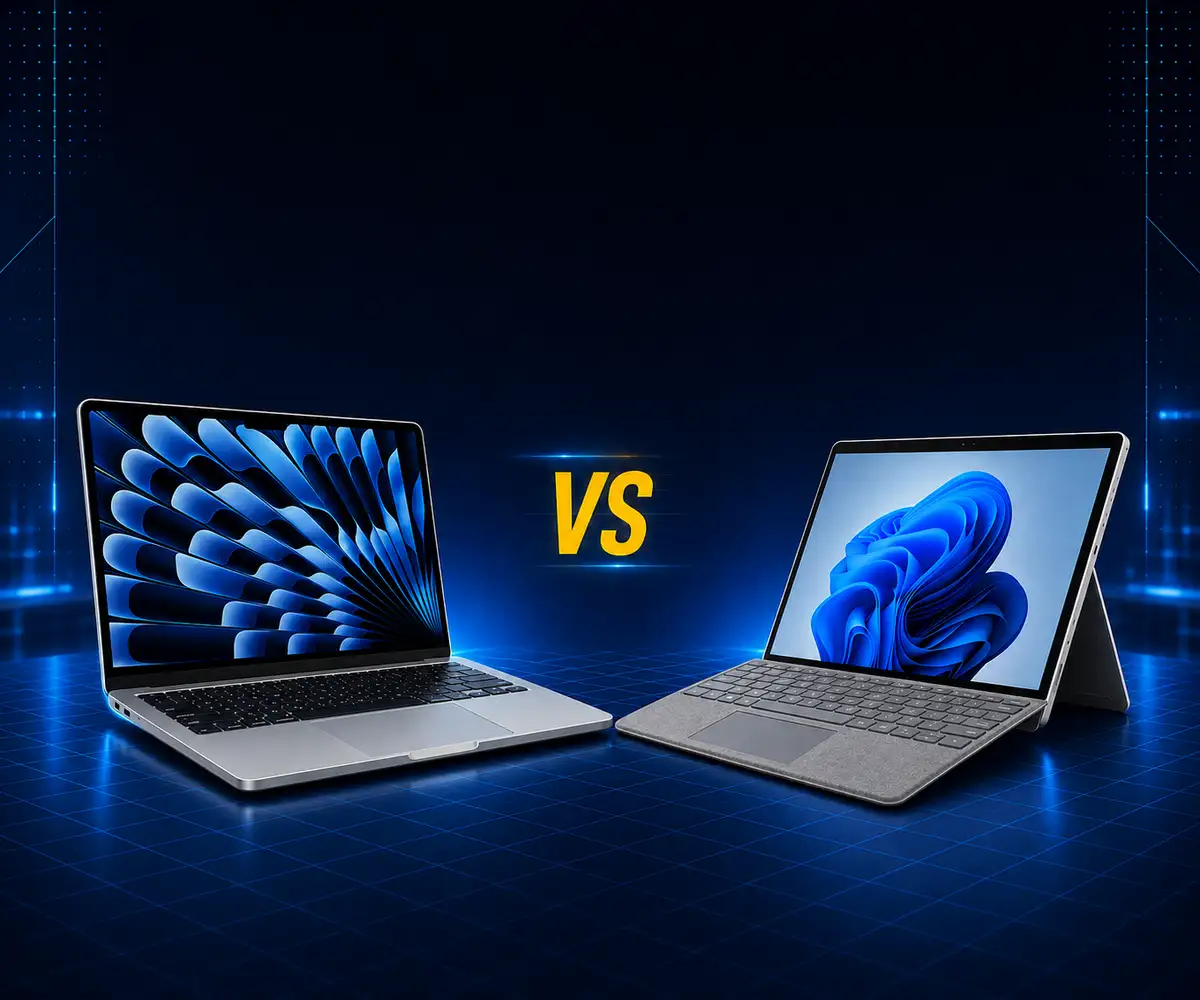
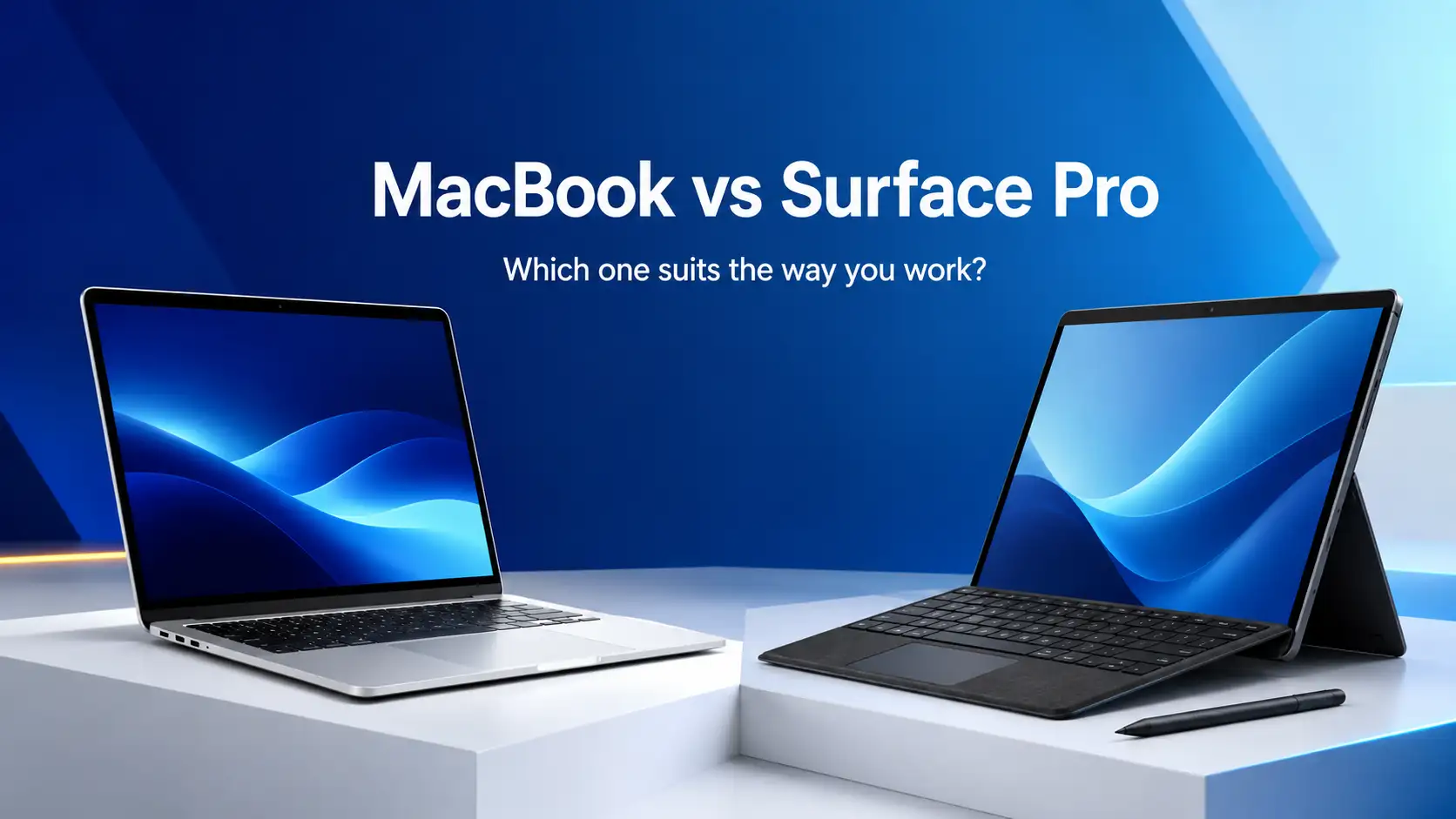
MacBook vs Surface Pro
Compare MacBook and Surface Pro design, performance and flexibility to find the right refurbished device for your needs.
Read Guide →

Date Posted: 15 June 2026
If you want to have the best laptop experience and the longest battery possible without a touch screen, go for the MacBook Air. For anyone looking for a tablet that will actually replace a laptop with a stylus and a detachable keyboard, get the Surface Pro. In terms of battery, construction, stability, and eventual resale, the MacBook has the edge. However, if versatility and touch are your main concerns, and you want to use an external monitor, go with the Surface Pro.
|
Spec |
MacBook Air M3 (13") |
Surface Pro 11 |
|---|---|---|
|
CPU |
Apple M3 |
Snapdragon X Elite / X Plus |
|
RAM |
8GB / 16GB / 24GB |
16GB / 32GB |
|
Display |
13.6" Liquid Retina, 60Hz |
13" LCD or 13" OLED, 120Hz, touch |
|
Resolution |
2560 x 1664 |
2880 x 1920 |
|
Ports |
2x USB-C (Thunderbolt), MagSafe, headphone jack |
2x USB-C (USB 4), Surface Connect |
|
Battery (claimed) |
18 hours |
14 hours |
|
Weight |
1.24kg |
0.895kg (tablet only) |
|
Starting price (new) |
$1,799 AUD |
$1,899 AUD (keyboard sold separately) |
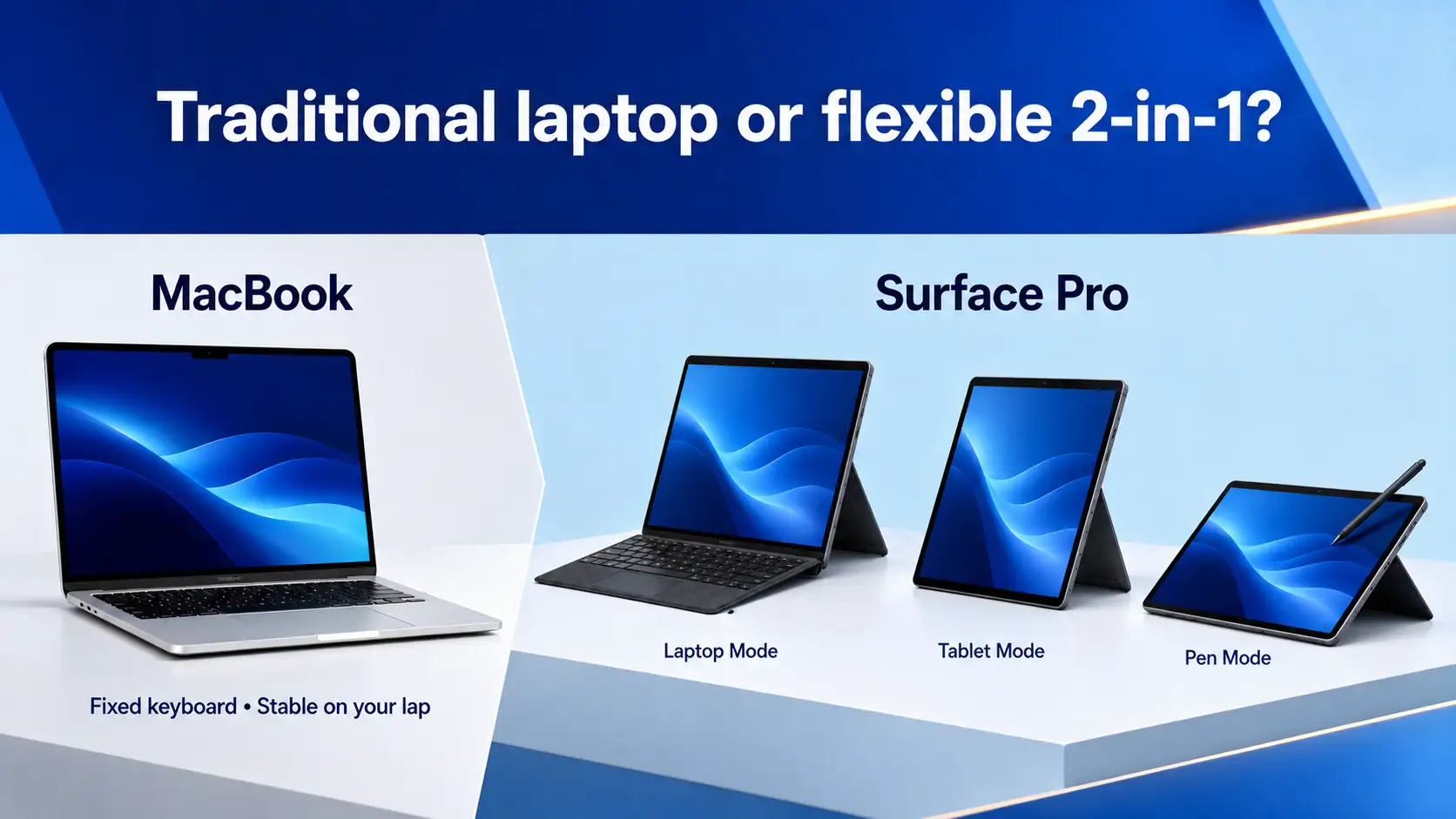
The MacBook remains as it always was. You simply open it up and begin typing. With the hinge being strong and the keyboard being fixed, you don’t have to deal with kickstand adjustments and magnetic coverings to find the perfect angle. The Air comes in at 1.24kg and easily fits into your lap, while the 14-inch MacBook Pro comes in at a weight of 1.55kg, along with a Liquid Retina XDR screen and active cooling.
There’s nothing innovative about the form factor, and that’s precisely the idea. Apple’s MacBook range has been designed with consumers who just want a laptop to remain true to its definition in mind.
The Surface Pro is a tablet first. The 0.895kg slab works as a standalone iPad-style device, then snaps into the Surface Pro Flex Keyboard when you need to type. It sits in the same category as other refurbished 2-in-1 laptops, which combine a detachable keyboard with a touchscreen. The kickstand on the back angles from upright to nearly flat for drawing with the Slim Pen.
This is genuinely useful if you sketch, take handwritten notes, or want to watch something on a plane tray without the keyboard taking up half the space. It's less useful on your actual lap, where the kickstand needs a flat surface to grip.
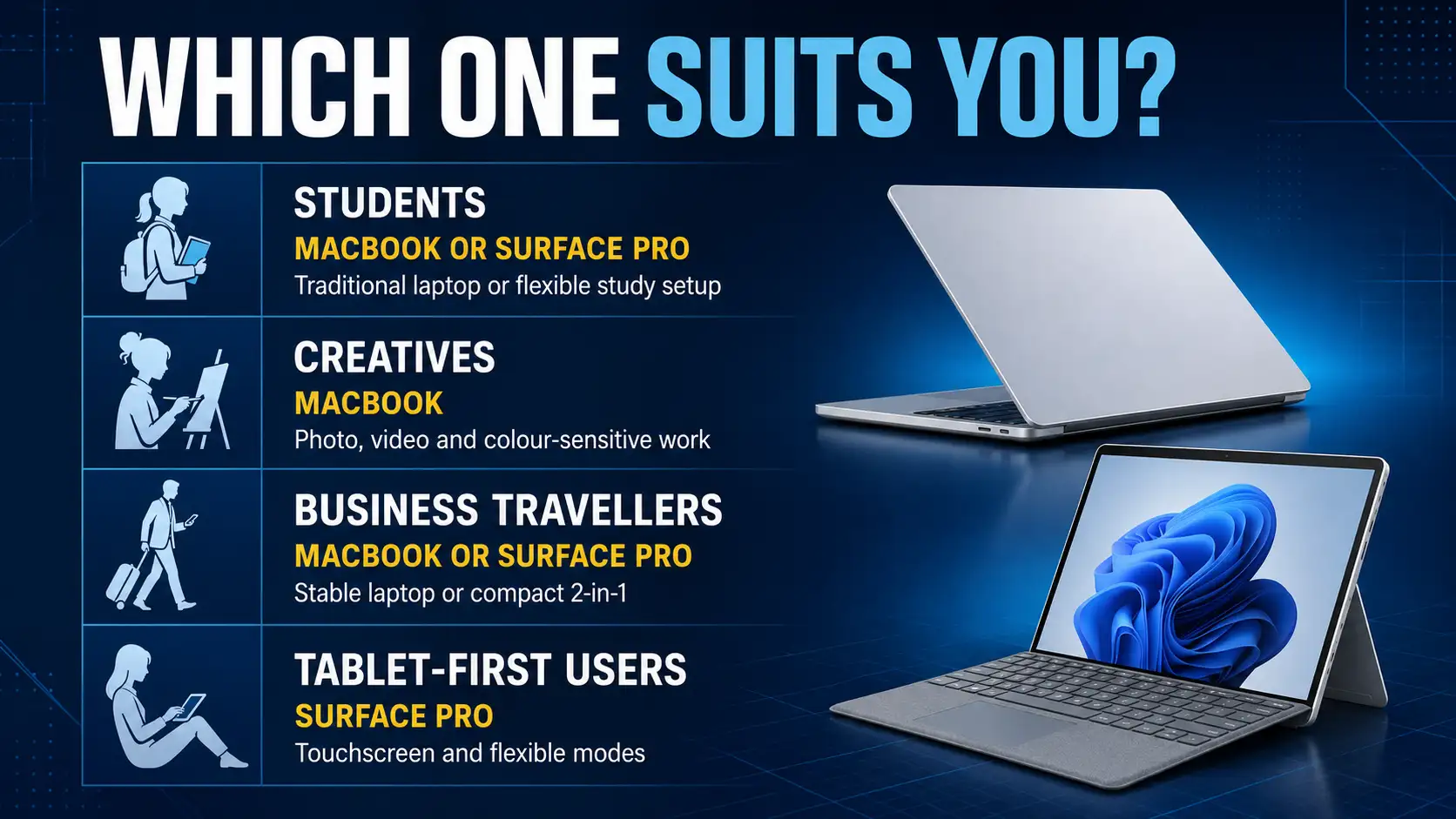
Go with the MacBook if your job is mainly typing and you like to sit in your chair in front of your desk/table. Go with the Surface Pro if you like drawing, making changes to PDFs, presenting from a tablet, or sketching with a stylus.
The Surface is great for students who take handwritten notes while attending classes. People who code and those who work with spreadsheets are likely to favour the MacBook.
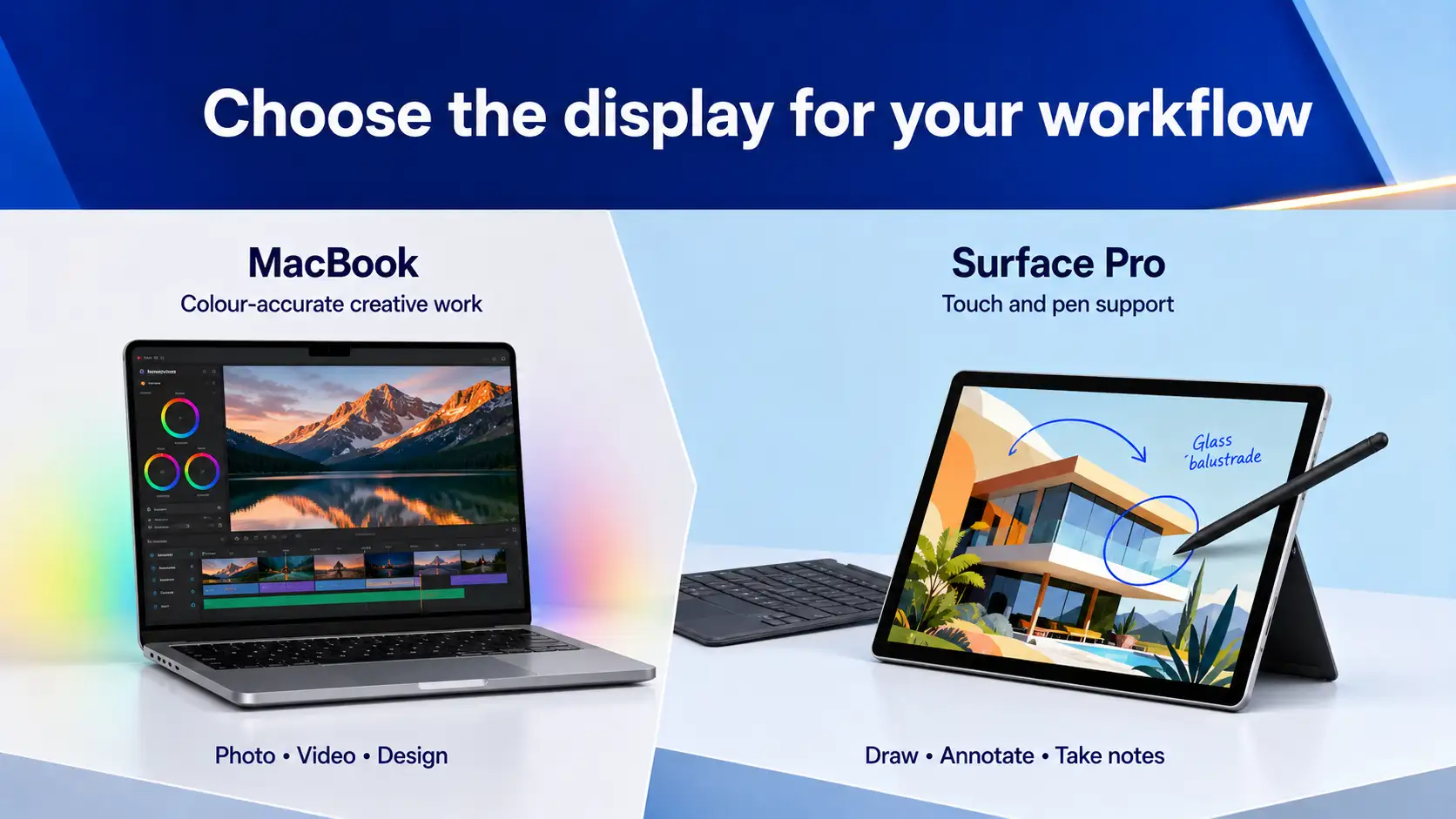
Surface Pro 11 is superior in terms of its flexible screen. The optional OLED screen is configured to deliver 2880 x 1920 resolution at 120 Hz refresh rate with support for Dolby Vision HDR. There is touch and pen capability on top of that.
The MacBook Air comes with a 60Hz Liquid Retina LCD that isn't touch sensitive. The 14-inch MacBook Pro is equipped with an improved Liquid Retina XDR screen operating at 120Hz with more HDR capabilities and sustained brightness. For those who prioritise having touch input in their work process, then the Surface can be put up against other refurbished touchscreen laptops. As for colour accuracy, the 14-inch MacBook Pro delivers the most accurate colour right off the bat.
For those who consume many HDR videos and need stylus support, the Surface Pro has an edge in its display. For colour accuracy and general calibration of a well-made display for all types of lighting conditions, the MacBook Pro display takes the crown. The MacBook Air is right in between: a superb LCD but not touch-enabled and not at 120Hz refresh rate.
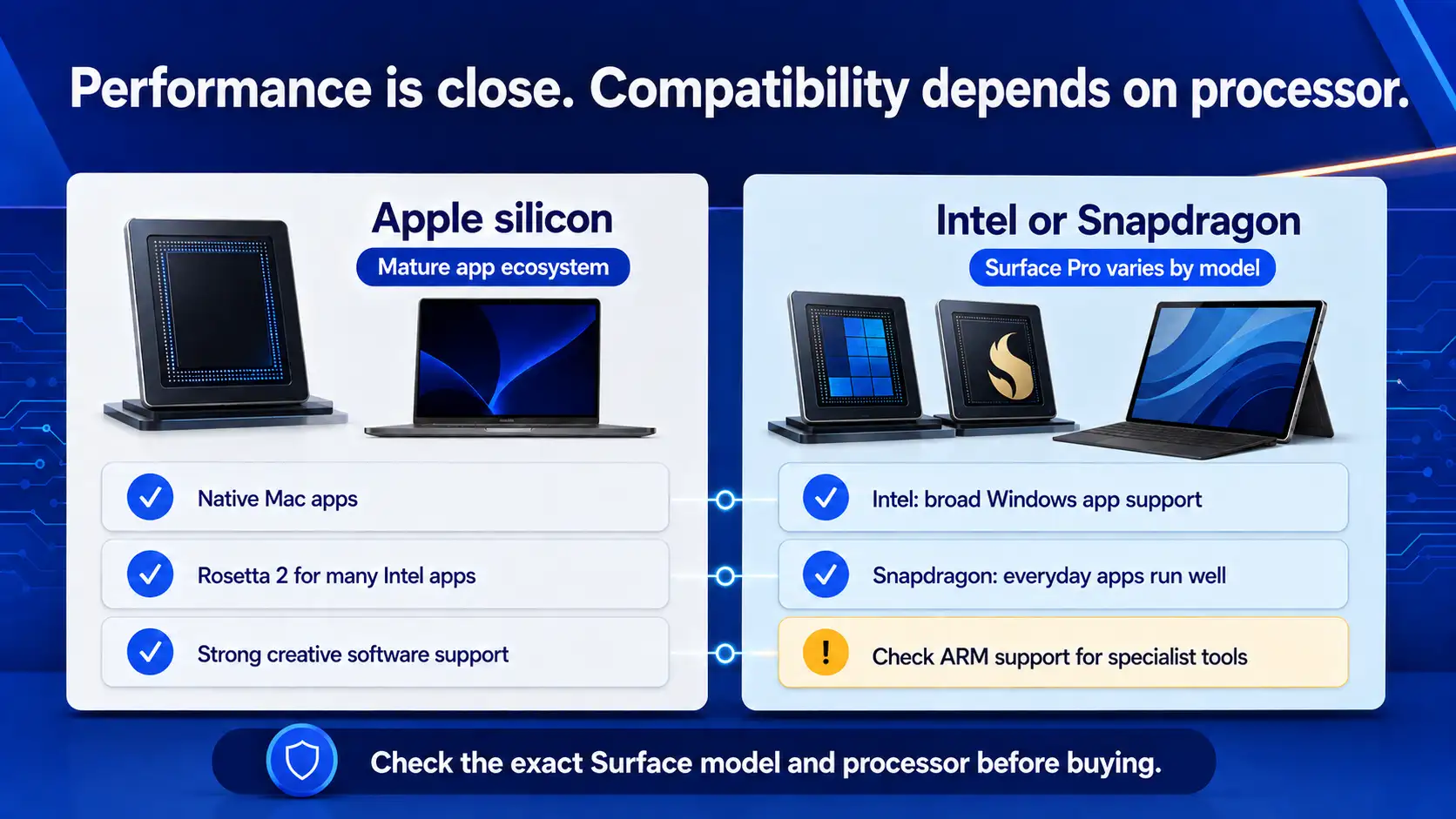
The Apple M3 and the Snapdragon X Elite chip trade blows depending on the test. The Snapdragon X Elite leads in multi-core Geekbench, often by 10 to 15 per cent. The M3 leads in single-core and crushes the Elite chip in efficiency. The MacBook Air does this with no fan. The Surface Pro has a small fan and runs warmer under sustained load.
For everyday Windows experience tasks (browsing, Office, video calls), you won't feel a difference between the two laptops.
This is where the Surface Pro story gets complicated. Snapdragon X runs Windows on ARM, which means x86 apps go through Prism emulation. Most things work. Some don't. Adobe Photoshop and Lightroom run natively now. Premiere Pro is still patchy. A lot of games won't run at all, and some VPN clients, drivers, niche professional tools and older plugins either fail or run poorly.
Apple Silicon went through this same transition five years ago and has come out the other side. Native Mac apps are the norm now, and Rosetta 2 handles legacy Intel software well enough that most users never notice.
For photo editing in Lightroom or Capture One, both machines are fine. For 4K video work, the MacBook Pro with M3 Pro or M3 Max pulls ahead clearly, especially for ProRes export. For graphic design in Figma, Illustrator, Affinity or Procreate Dreams, either works well, though the Surface Pro's touch and pen support is a real advantage if you draw.
Creative professionals doing video or motion graphics should lean towards the MacBook. Illustrators and concept artists who want pen-on-screen should lean towards the Surface.
For the MacBook Air, Apple says 18 hours, while for the Surface Pro, Microsoft says 14 hours. But independent tests show that the MacBook Air lasts about 22 hours under light usage conditions, and the Surface Pro lasts about 12 to 13 hours. It is true there is a gap between their claims and reality.
If you regularly work away from a power outlet, the MacBook has long battery life that no Windows laptop currently matches. The Surface Pro is competitive among Windows machines, but not against Apple.
Both machines are light on ports. The MacBook Air has 2 USB-C Thunderbolt ports, MagSafe and a headphone jack, with no USB-A. The Surface Pro has 2 USB-C (USB 4) ports and Surface Connect, but no headphone jack and no USB-A.
The Surface Pro pulls ahead on external display support. It drives up to three 4K displays at 60Hz. The MacBook Air drives two (one external plus the built-in, or two external with the lid closed). For desk-based users running multi-monitor setups, this matters.
Wi-Fi sits at Wi-Fi 7 on the Surface Pro and Wi-Fi 6E on the MacBook Air. Bluetooth is 5.4 on Surface, 5.3 on MacBook. Small wins for Microsoft on wireless, though most home routers haven't caught up to Wi-Fi 7 yet.
The Surface Pro has a 1440p front camera and a 10MP rear camera. The MacBook Air has a 1080p front camera and no rear camera. Both support background blur and auto-framing.
For video calls, the Surface Pro has the better camera by a clear margin. For audio, the MacBook Pro's six-speaker Dolby Atmos system is the best in any laptop this size. The MacBook Air's four-speaker setup is good. The Surface Pro's speakers are fine but thin compared to either MacBook.
MacBook Air. Better battery, lower total cost, fewer software headaches, a calibrated screen out of the box, and you don't have to buy a keyboard separately. If the MacBook price tag is out of reach, our range of refurbished student laptops covers comparable Windows alternatives at a fraction of the cost. The 13-inch model is the right size for a backpack and lasts a full day of classes.
Depends on the discipline. Video editors, photographers, audio engineers and motion graphics artists should buy a MacBook Pro. Illustrators, concept artists, comic creators, and anyone who draws daily should buy a Surface Pro for the pen and touch screen.
Macbook Air for most. Battery power alone tips the scale in its favour as the superior travel laptop choice, although it should be tested alongside other refurbished business laptops if enterprise capabilities such as vPro support or biometric readers and docking stations are desirable. Otherwise, if you prefer to present using a tablet, then the Surface Pro is the way to go.
MacBook Air for most. The battery alone makes it the better travel machine, though it's worth comparing against the broader field of refurbished business laptops if you want enterprise features like vPro, fingerprint readers or docking station compatibility. If you present from a tablet or annotate documents in meetings, the Surface Pro's flexibility wins.
Surface Pro, by default. The MacBook isn't a tablet, and Apple has shown no interest in making it one. If your use case starts with "I want a tablet but also...", buy a Surface.
Both of these comparisons assume you're buying new. You probably shouldn't be.
A refurbished MacBook Pro with M1 Pro or M2 Pro often outperforms a new Surface Pro 11 in multi-core benchmarks and matches it in single-core, while costing $1,200 to $1,600 instead of $2,500+. Our breakdown of refurbished vs new laptops goes deeper into where the savings come from and what you're actually giving up. The M-series chips age well because the architecture hasn't fundamentally changed. A two-year-old MacBook Pro still gets the latest macOS and runs current software without compromise.
Refurbished Surface Pros deserve your attention. The ex-corporate Surface Pro 8s and Surface Pro 9s will most likely include either a Type Cover or a Signature Keyboard since that is how they were intended to be used as kit laptops. You are receiving the keyboard at no extra charge, which eliminates the major hidden expense in Surface PCs.
What to check before buying second-hand: battery cycle count (under 500 for a four-year-old machine is healthy), display for burn-in or dead pixels, all ports functional, and a recent macOS or Windows install with no activation issues. Our ultimate refurbished laptop buying guide walks through every one of these checks in detail. Australian Computer Traders tests all of this before listing, grades every device and backs every refurbished laptop with a 12-month Australian warranty and free shipping. Buying privately on Gumtree or eBay skips all of this.
In reality, the true competition for the average buyer will not be the new MacBook Air against the new Surface Pro. It is the second-hand MacBook Pro from an older generation against the second-hand Surface Pro, including the keyboard, costing about half the price of the brand-new models. From this point, the only variable to consider becomes the form factor.
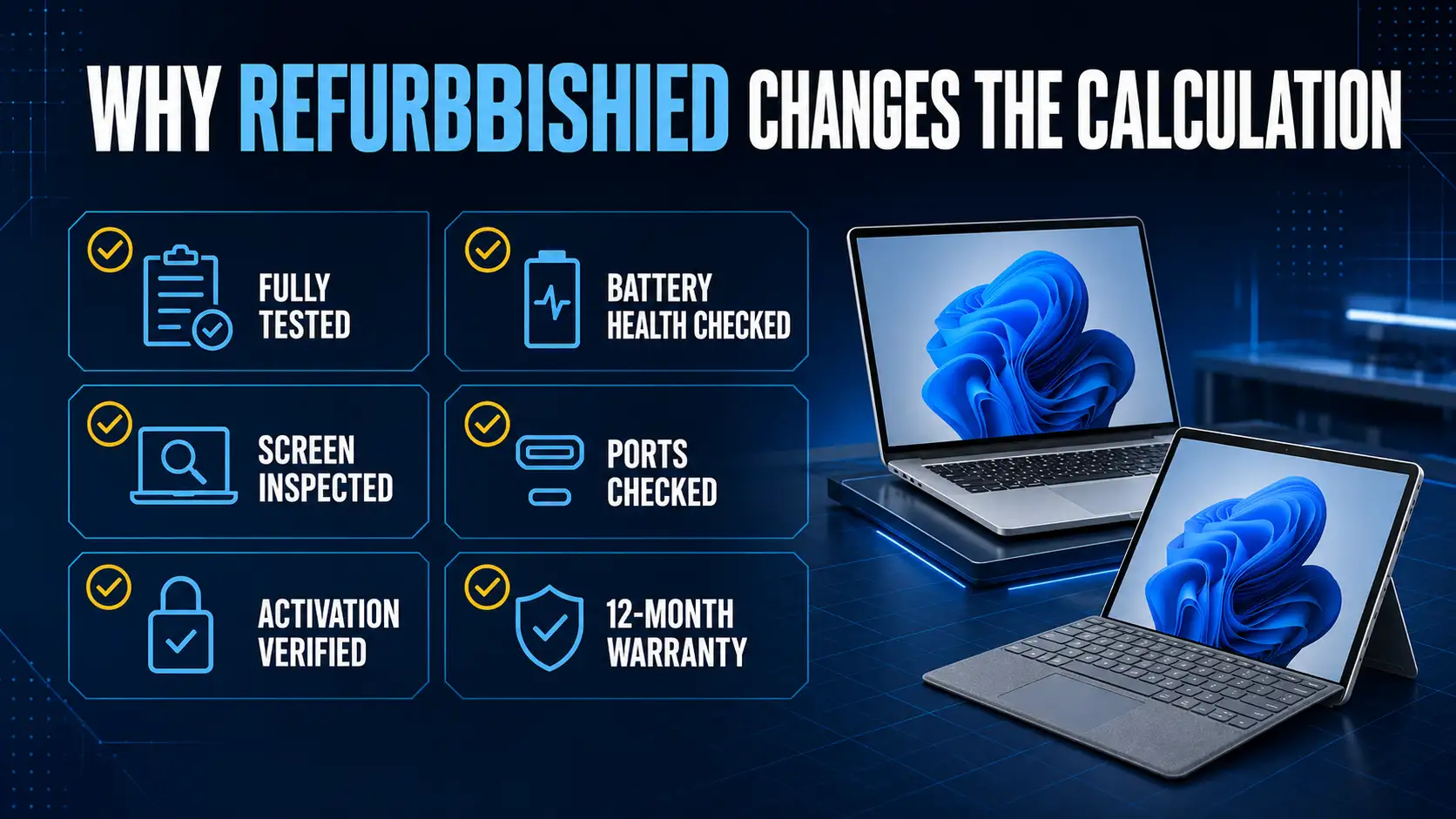
Now that you know which side of the comparison you fall on, it's worth seeing what's actually in stock. Have a look at the full refurbished MacBook range at Australian Computer Traders if you've landed on Apple. For the Windows-and-touch camp, the refurbished Surface Pro range is the other place to start. Every device is tested, graded, covered by a 12-month warranty and shipped free across Australia.
It's both. Which one it acts as depends on how you use it. With the Flex Keyboard attached, it works as a full-fledged laptop running standard Windows 11. Detach the keyboard, and it's a tablet with stylus support. The trade-off is that it works less well on your actual lap than a clamshell laptop does.
Yes, for almost any task that doesn't require touch input or a stylus. The MacBook Air with M3 matches or beats the Surface Pro in single-core performance and battery life. For video editing or sustained heavy work, step up to a MacBook Pro.
Not when you buy new from Microsoft. The Surface Pro Flex Keyboard is sold separately for $599. Refurbished ex-corporate Surface Pros usually include the keyboard, which is one of the main reasons to consider buying refurbished.
Yes, for office, email, browsing and Adobe Photoshop. However, where specialty applications, older games and some professional design software are concerned, compatibility issues still exist. Verify that your particular piece of software works with either the native ARM processor or Prism before making your decision.
A Macbook retains more value. If a MacBook Air is three years old, it will sell for between 55 and 65 per cent of its initial value. On the other hand, if a Surface Pro is three years old, it may be worth about 35 to 45 per cent.
Yes, through Parallels Desktop or VMware Fusion, which run Windows on ARM in a virtual machine. Performance is good for most tasks. Boot Camp (running Windows natively) is no longer supported on Apple Silicon Macs.
A refurbished model comes with a warranty and proves to be just as effective as a new one for most people. The process of refurbishment by ACT involves diagnosing all parts, checking battery efficiency, cosmetic rating, and a one-year warranty period.
15 June 2026
 4 June 2026
 30 March 2026
 19 February 2026
 2 February 2026
 6 January 2026
 29 December 2025
 18 December 2025
 18 December 2025

Thoroughly tested by qualified technicians

Most orders delivered within 3-7 business days

Our local team are here to help you

Industry leading warranty on all products
We're here to help! Click here to contact Customer Service


 Help Centre
 Contact Us